Macy's Intake form
Last updated: March 20, 2026
The Macy's Intake form must be filled out to set up EDI transactions with Macy's. This will indicate which documents are being sent and in what format.
Filling out Macy's Intake Form
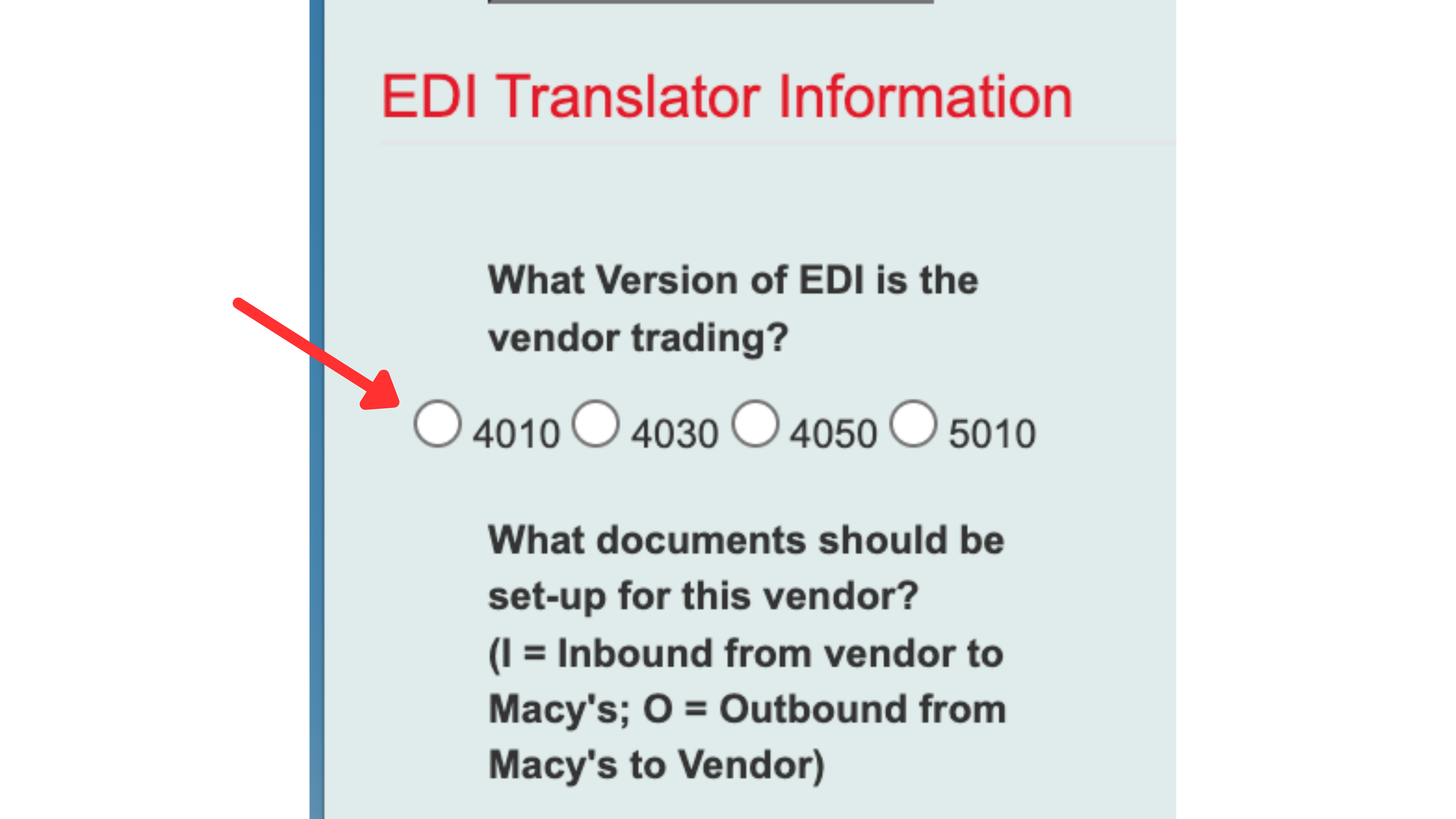
The first section of this form is to select which format of EDI documents will be sent. If you are unsure which version you are trading, you can ask your EDI provider or check the ISA segment of your EDI documents. The standard version is 4010 but we recommend confirming if you are unsure!
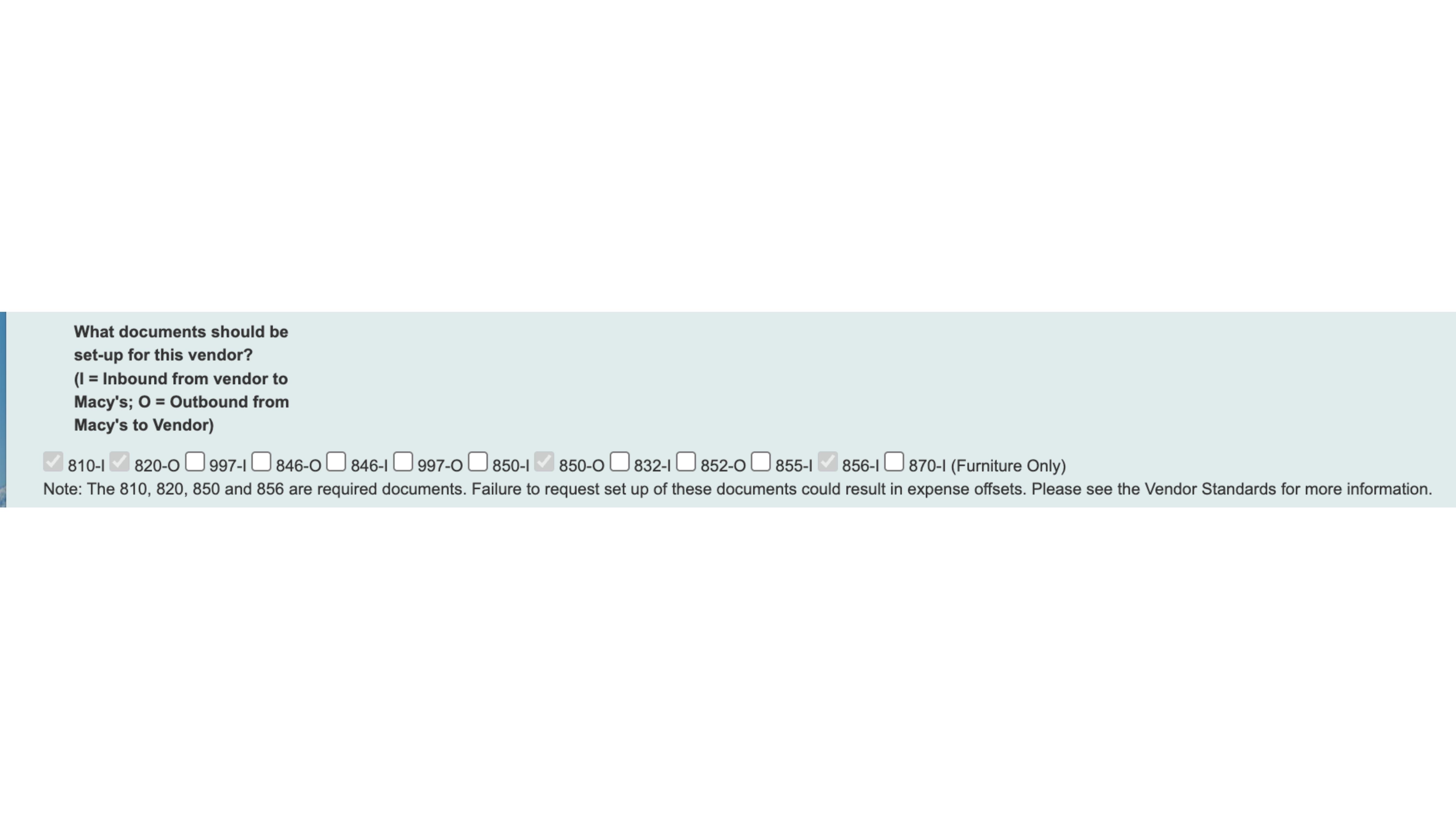
For the document section, check the boxes for which documents will be traded with Macy's. The required documents are listed, you should also check off any additional documents that you plan to send.
Important note. When a document is listed as out, it will be sent from Macy's to you. If indicated as in, it will be sent by you to Macy's.
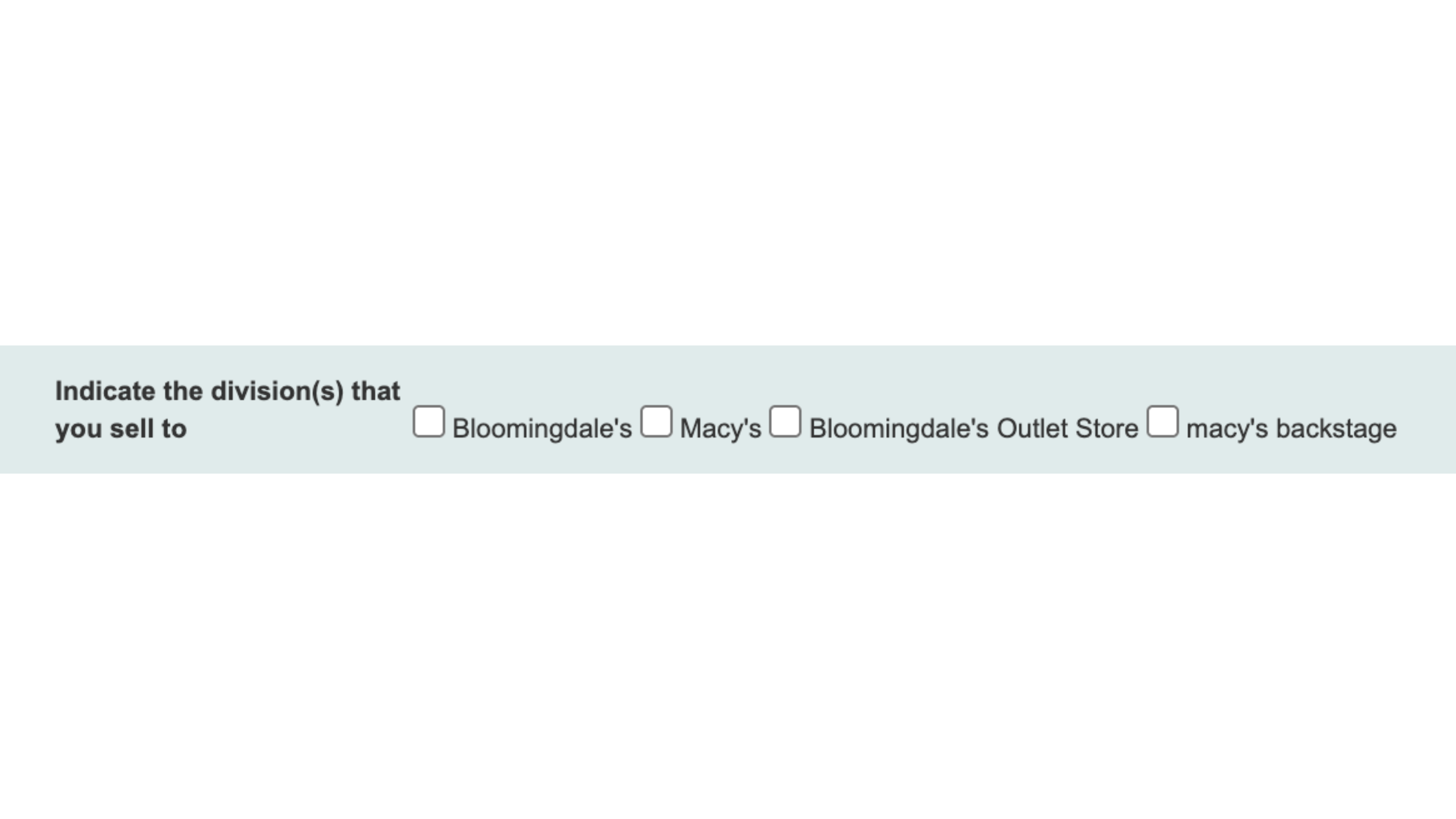
You must also indicate which division within Macy's you are selling to. Check off all that apply. This information can be collected from the buyer or determined by your organization.
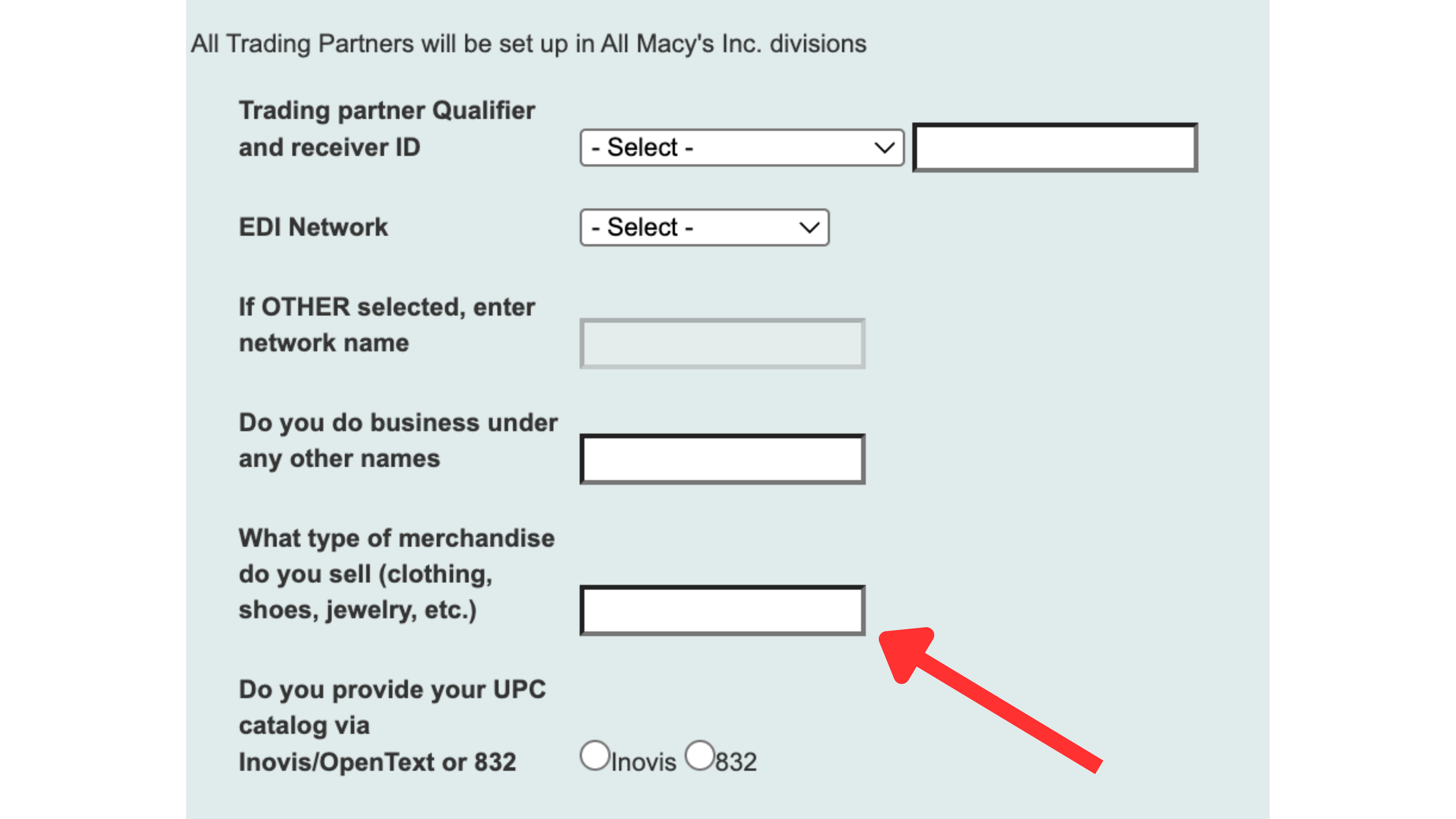
The trading partner qualifier and ID will be provided during onboarding by the RetailReady team. If you have not received this value, please reach out to your onboarding manager.
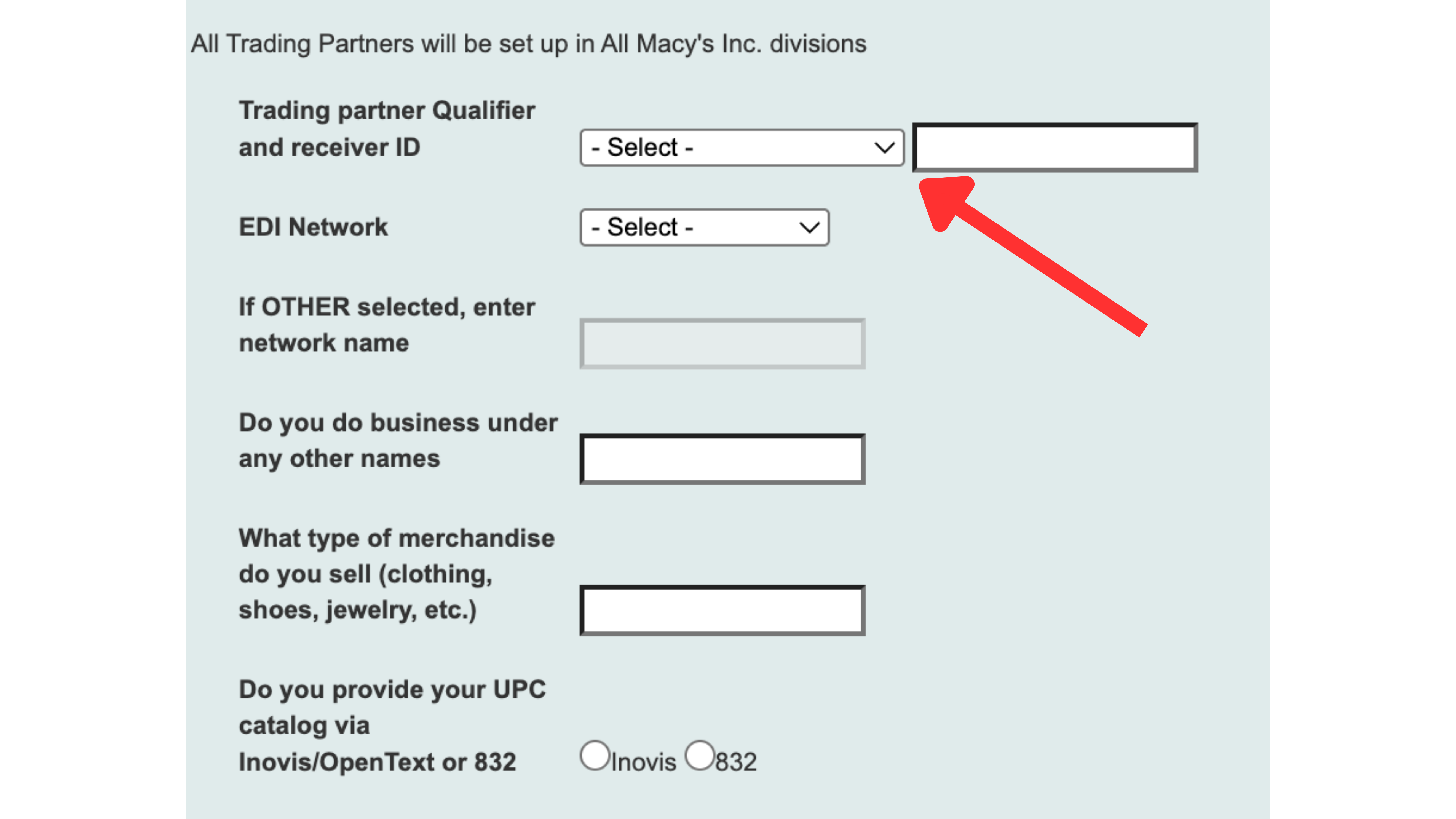
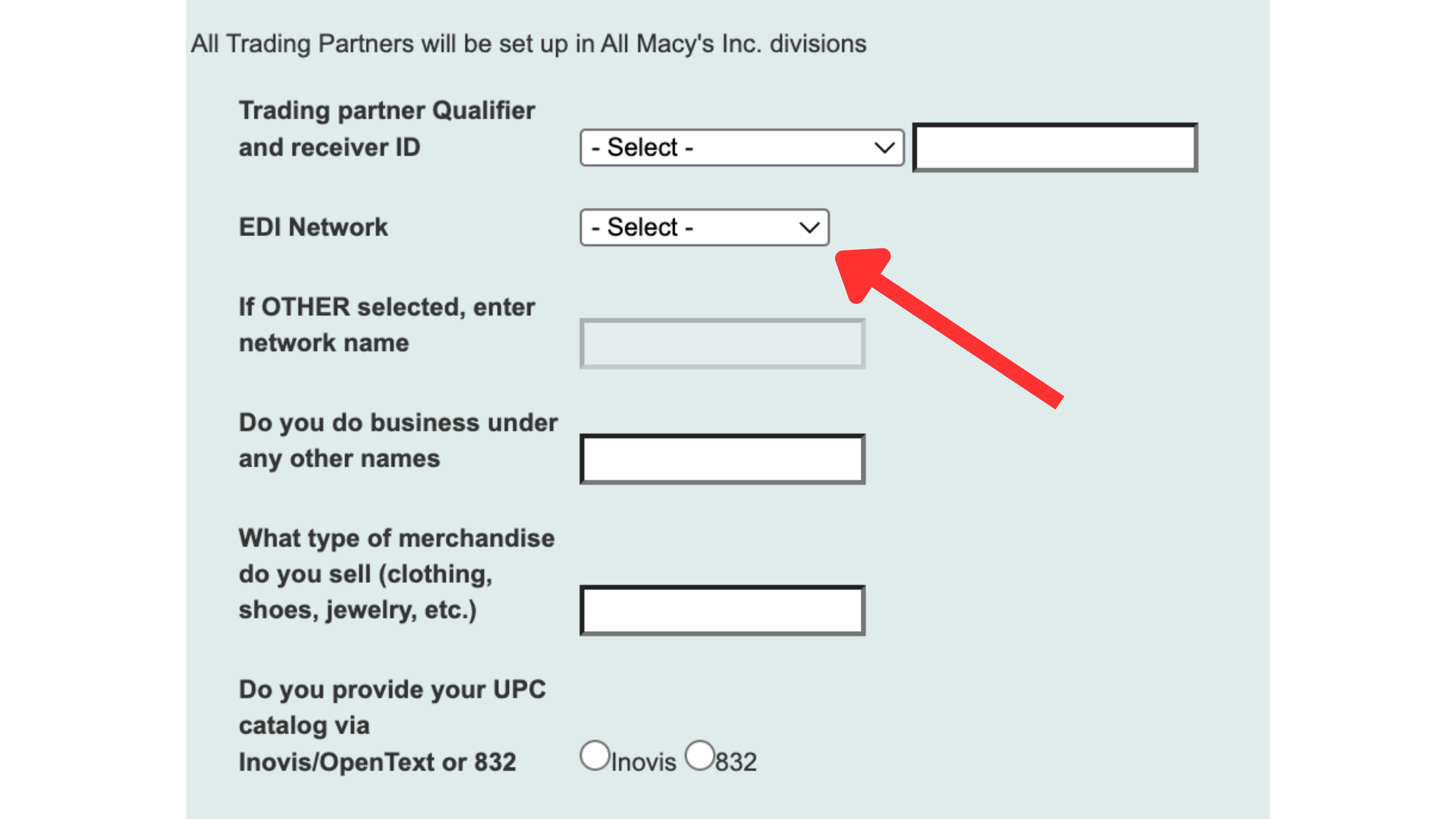
For EDI Network, select your EDI provider from the drop down menu.
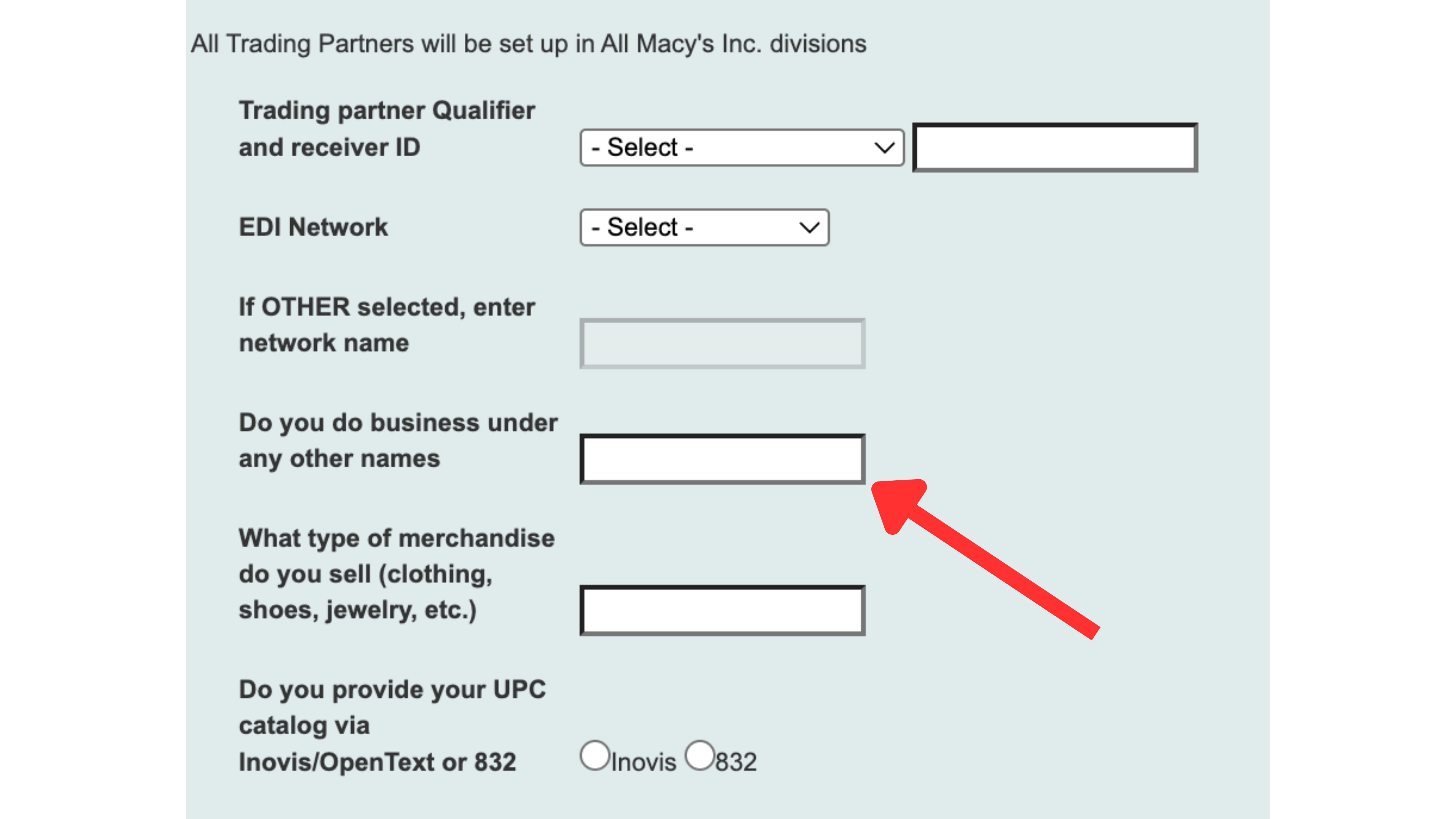
If you do business under another name or have a "Doing Business As" name, enter this here.
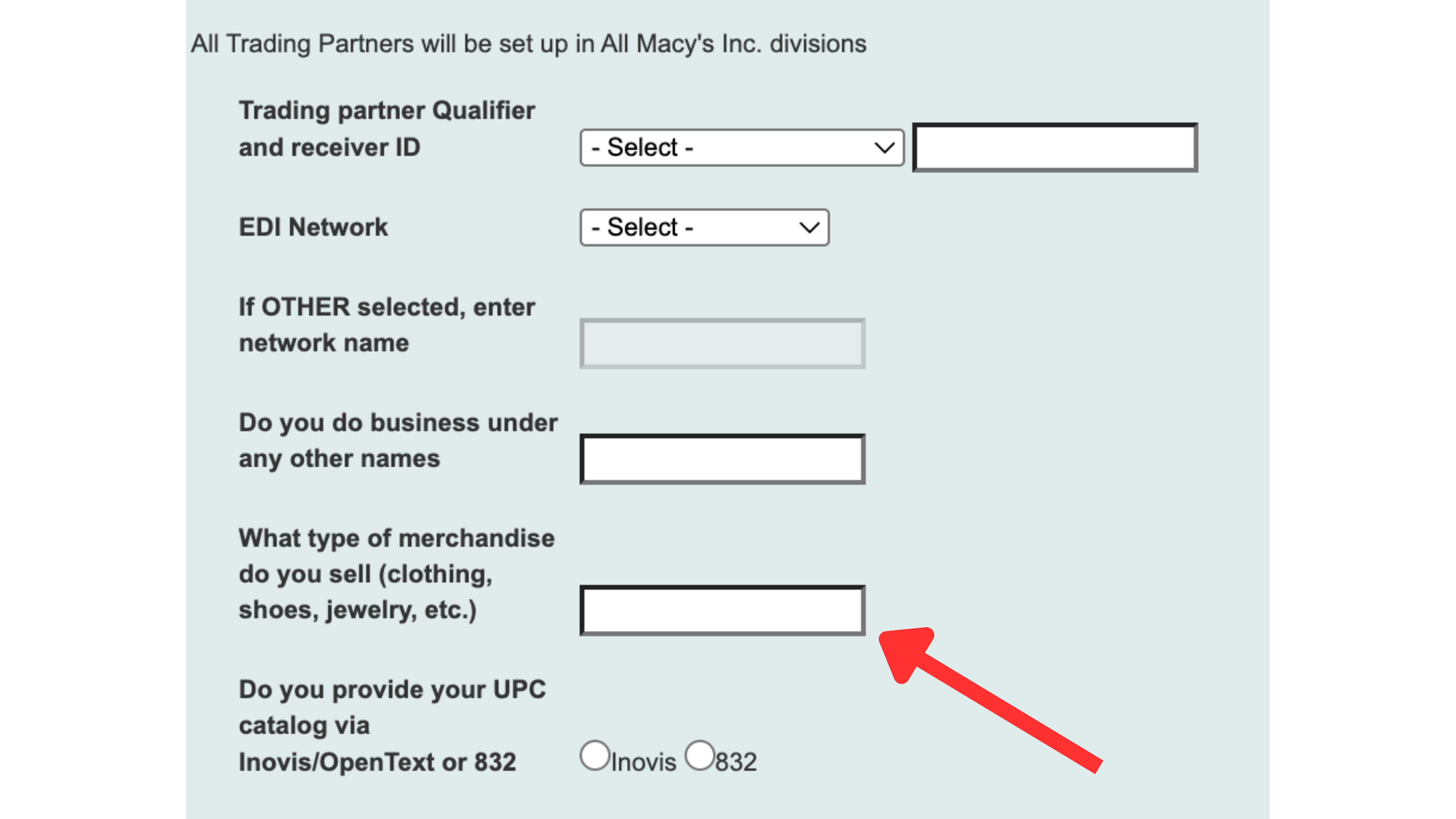
Input the type of merchandise that you are selling.
Select if you provide your UPC catalog via Inovis or 832.