Parcel Support Address Issue
Last updated: May 15, 2026
When creating parcel shipping labels, if the shipping address is invalid, your order will be automatically placed on hold with a 'Validate Order Address' task. This prevents shipping delays and ensures packages reach their destination.
How to Fix Address Issues
When You See the Address Validation Task
Look for the on-hold task
Click the 'Edit Ship To Address' button
Review the current shipping address in the popup window
Make any necessary corrections using the address search feature
Click 'Edit Address' to save your changes
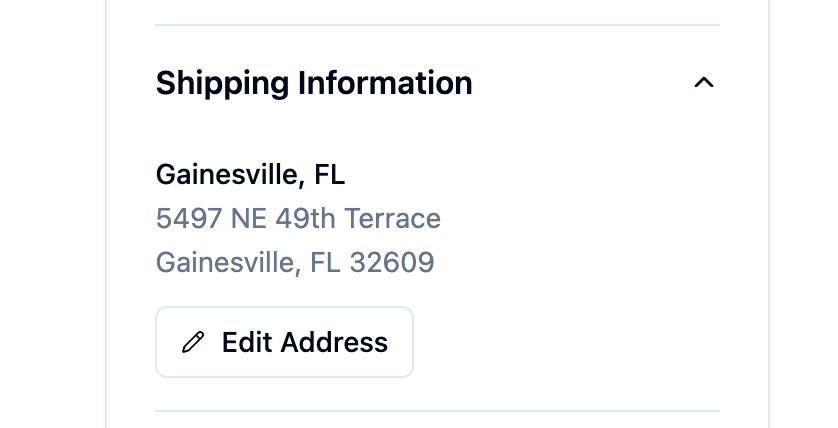
You can also scroll down to 'Shipping Information' on the right side bar of the order and then 'Edit Address'
Important Rules
When You Can Edit Addresses
Only dropship and parcel orders allow address editing
No parcel labels have been created yet
When Address Editing is Blocked
You cannot edit an address if:
Shipping labels have already been generated