Automatic Dispute Generation
Last updated: July 26, 2026
RetailReady automatically generates a dispute proposal as soon as a chargeback is ingested. This article explains in what scenarios a dispute is generated automatically, and how to review and submit it.
How Automatic Dispute Generation Works
When a chargeback comes in through your ingestion feed, RetailReady checks whether it can be matched to an order in the system. If a match is found and the dispute deadline hasn't passed, RetailReady will automatically begin building the dispute proposal for you, just as if you had clicked 'Generate Dispute' manually.
Auto-generation won't happen if the chargeback cannot be matched to an order in RetailReady or the dispute deadline for that chargeback has already passed. In any of these cases, the chargeback will still appear in your dashboard.
Reviewing Auto-Generated Dispute Proposals
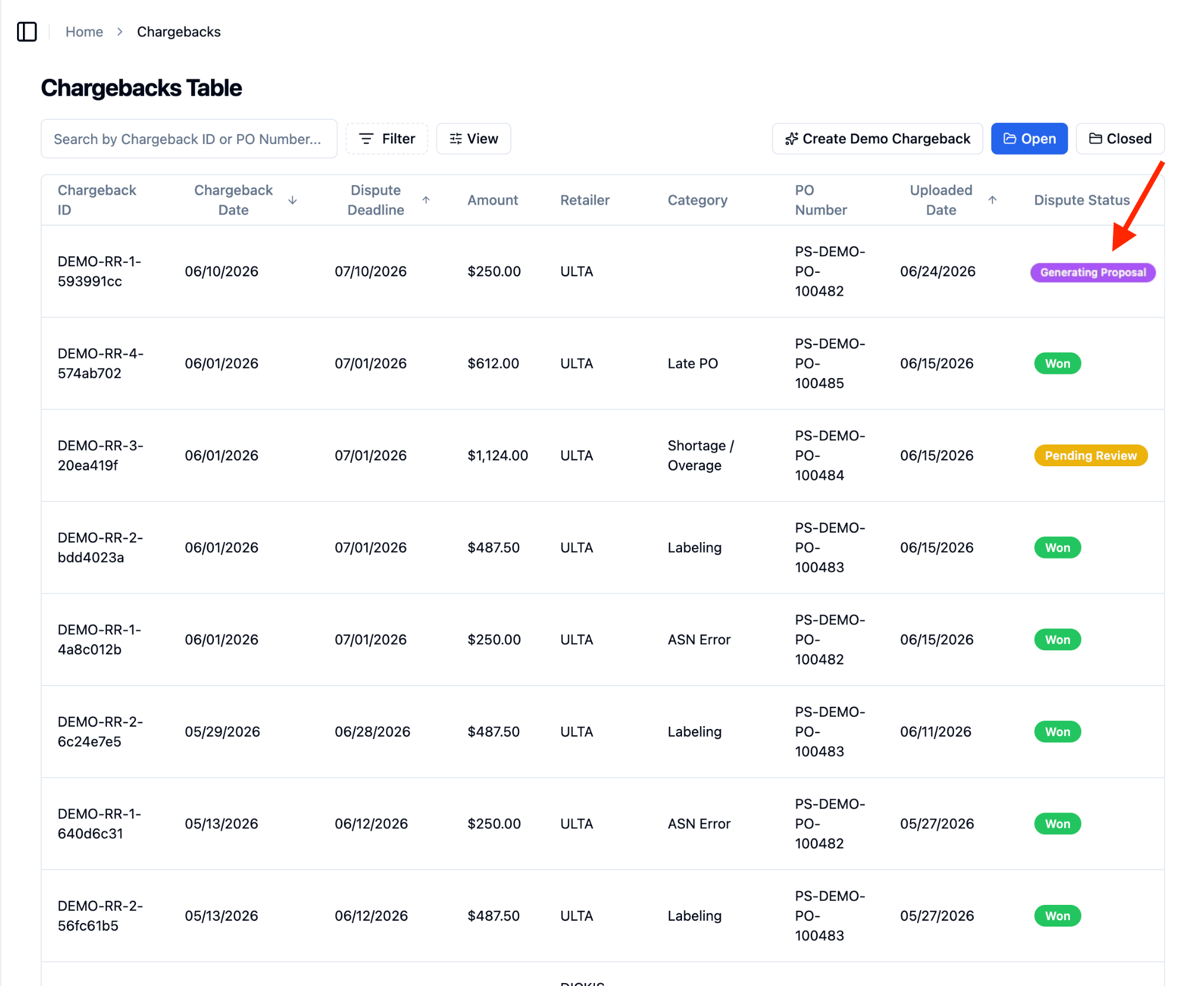
When RetailReady automatically generates a dispute proposal, the chargeback will move into 'Generating Proposal' status. Once the proposal is ready, you can review it the same way you would any manually generated proposal.
Navigate to the Chargebacks Table.
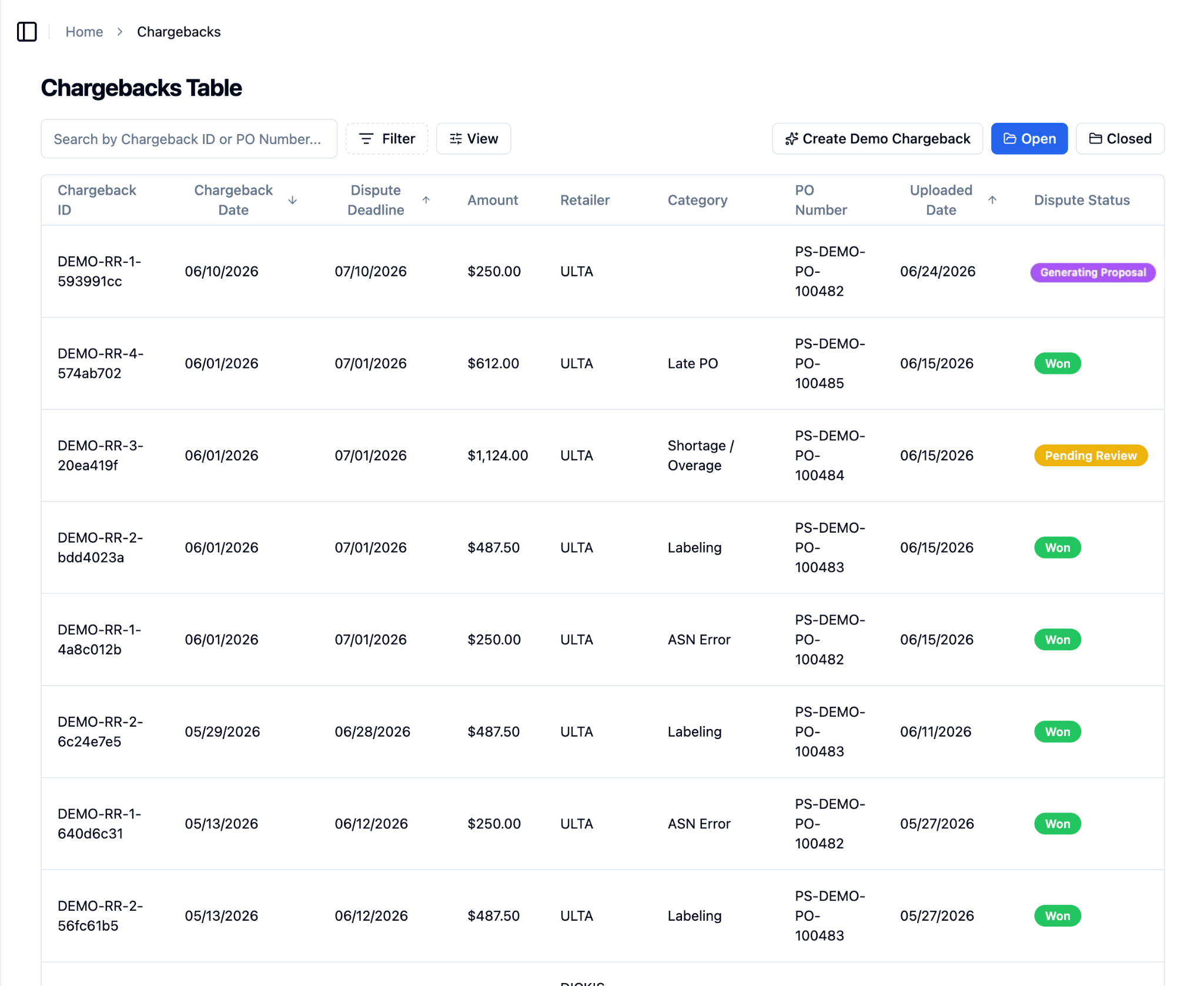
Chargebacks in 'Generating Proposal' status are being generated automatically.
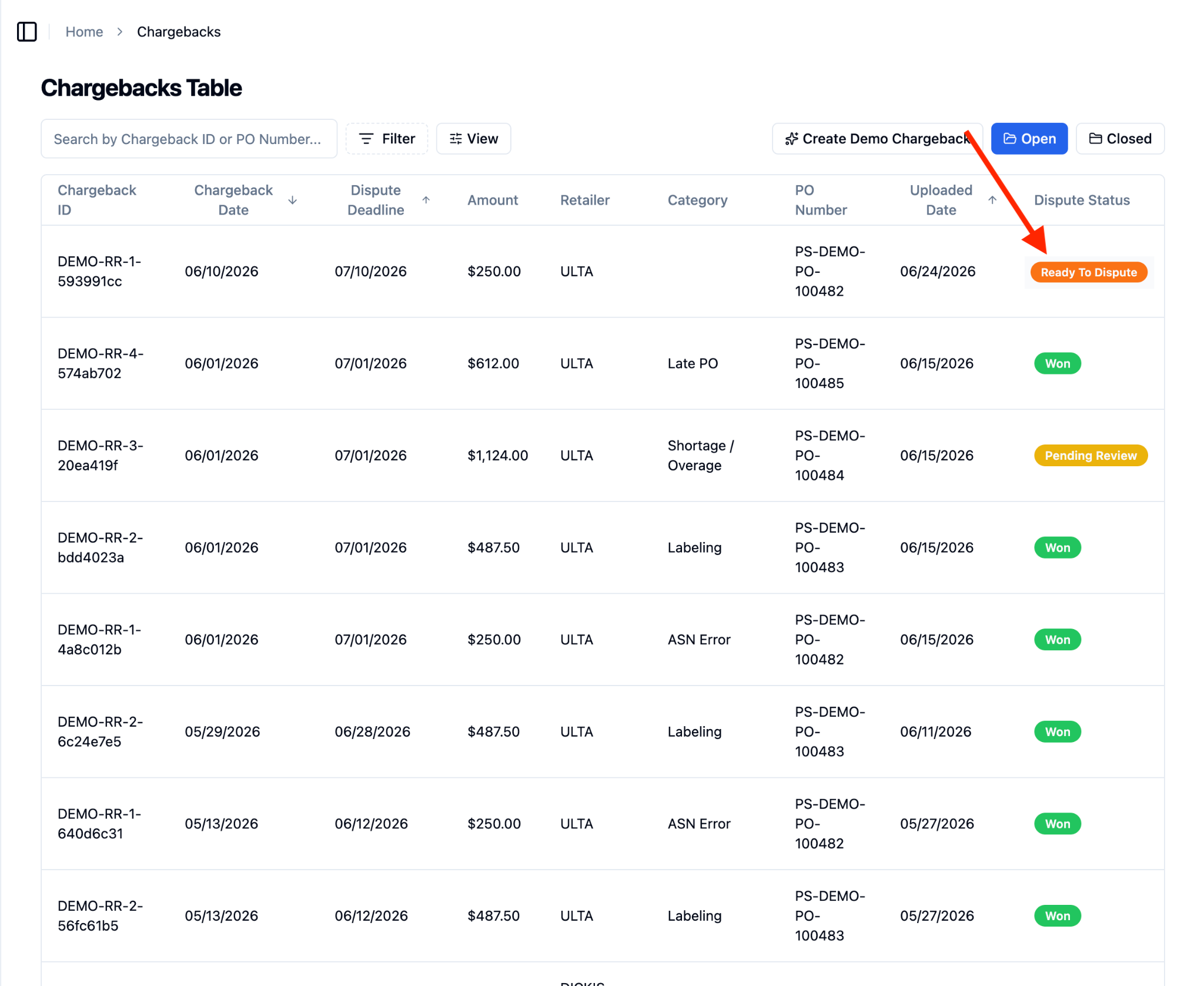
Once a proposal is ready, the dispute status will automatically update to ‘Ready To Dispute’.
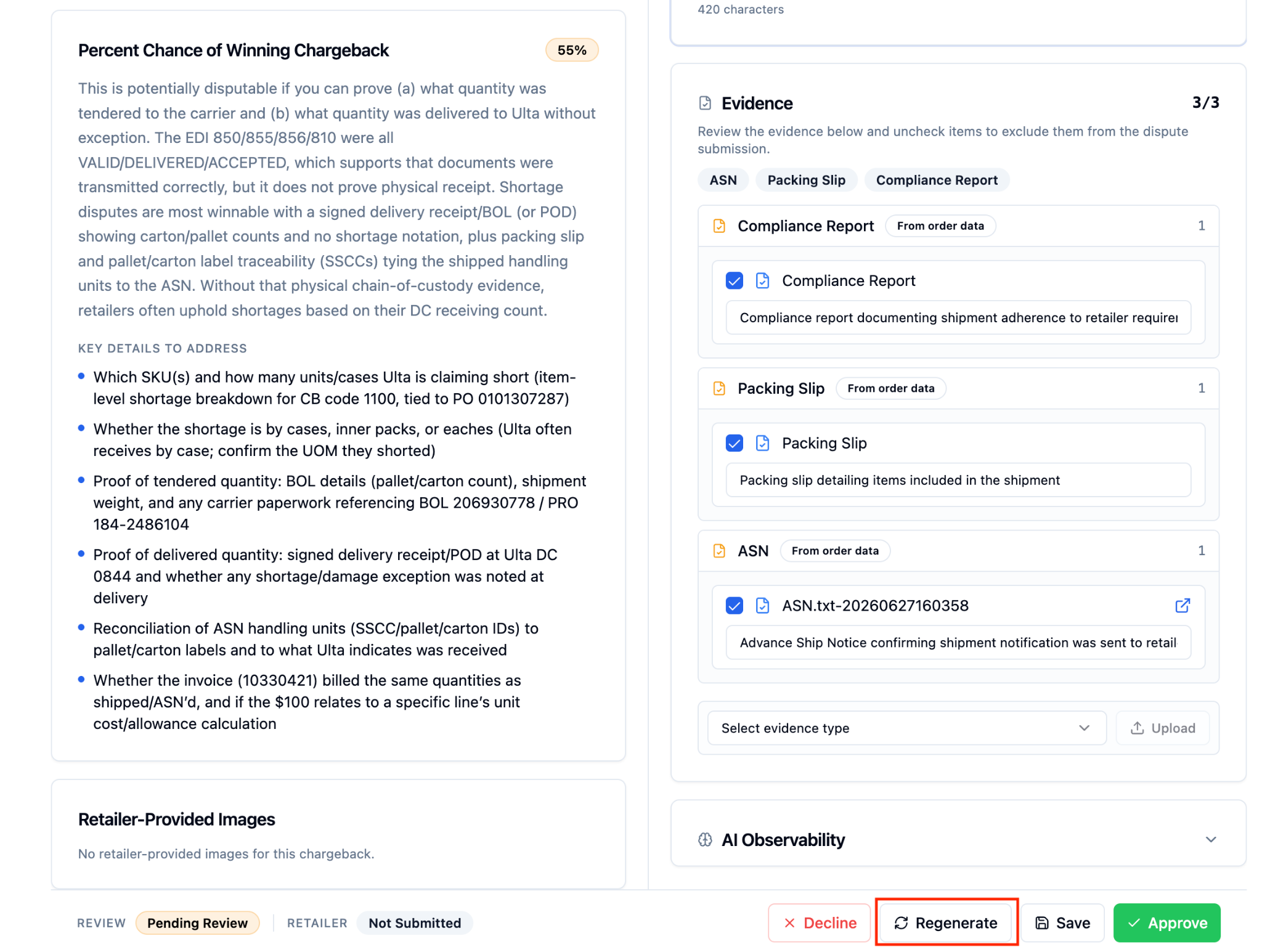
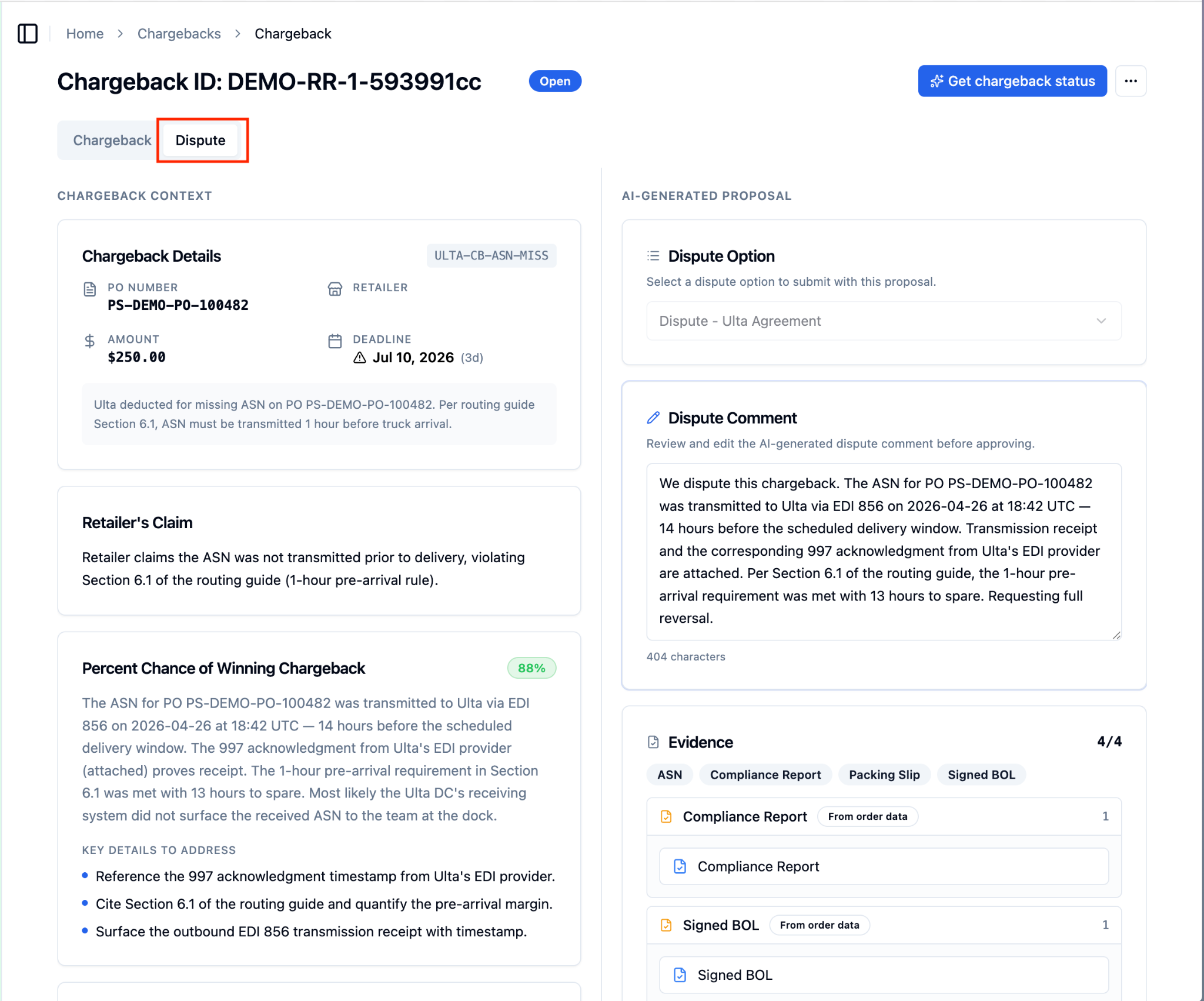
To review and submit the dispute, navigate into the chargeback and open the ‘Dispute’ tab.
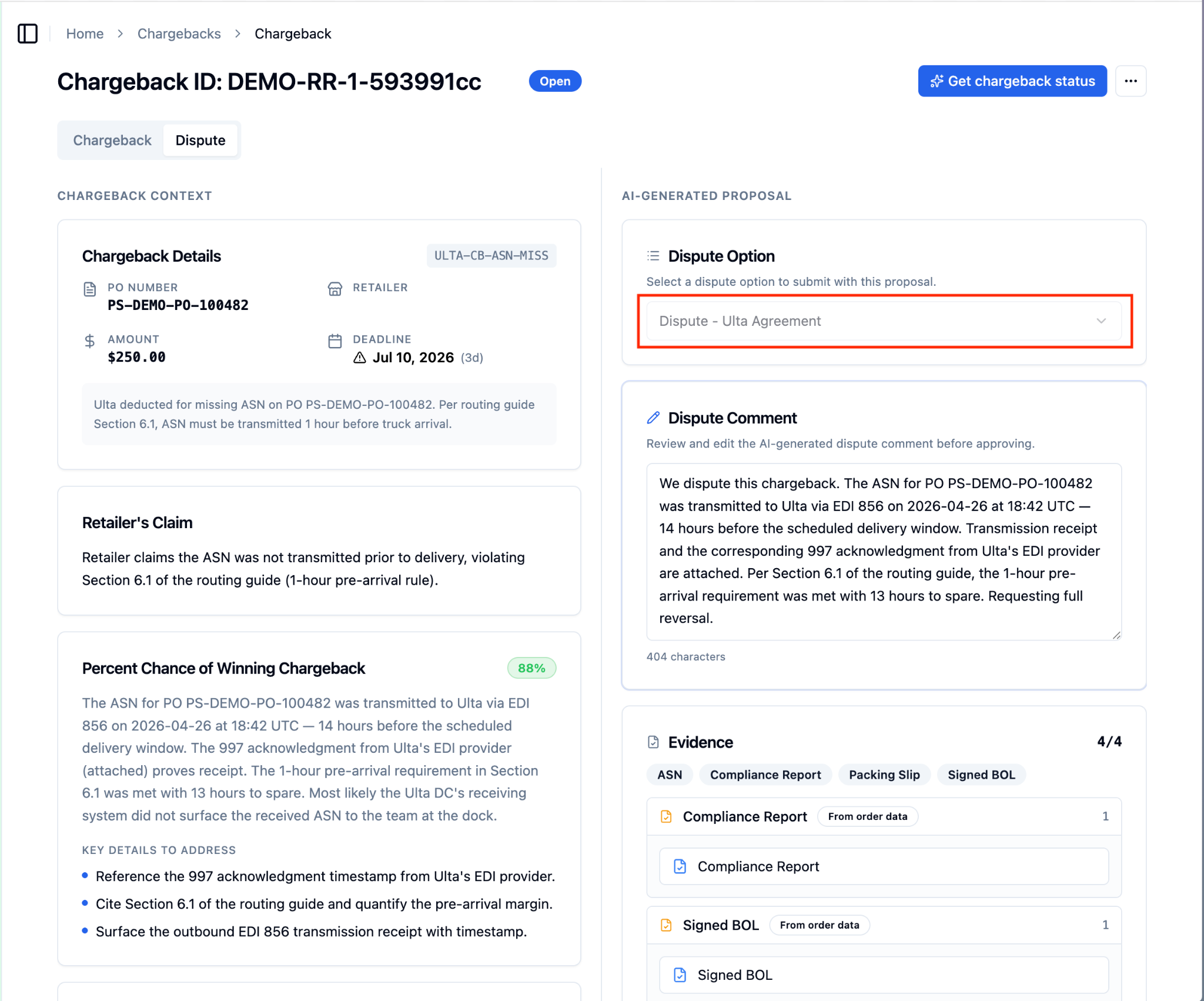
Select a ‘Dispute Option’ from the dropdown.
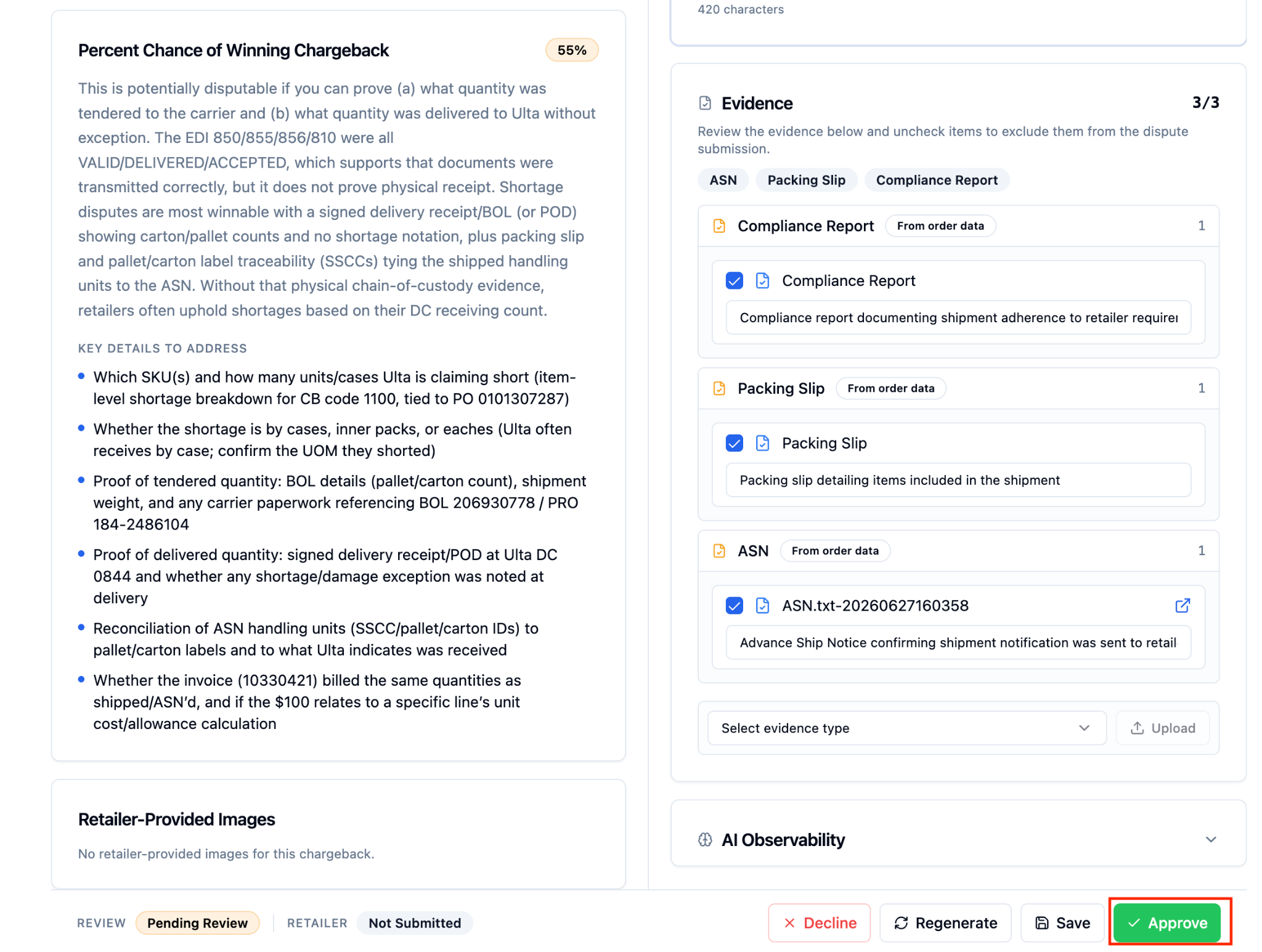
Once reviewed, scroll down and press ‘Approve’ to submit the dispute.
FAQs:
What happens if the chargeback comes in but can't be matched to an order in RetailReady?
If RetailReady cannot find a matching order, it will not automatically generate a dispute proposal. The chargeback will still appear in your dashboard, and you can review it and generate the dispute manually once the order is matched.
What if the dispute deadline has already passed when the chargeback is ingested?
RetailReady will not auto-generate a proposal if the deadline has passed. The chargeback will still be visible in your dashboard for your records.
Is the automatically generated dispute proposal the same as one I would create manually?
Yes. The auto-generated proposal is identical to what would be created if you clicked 'Generate Dispute' yourself. You should still review the proposal before submitting to make sure all details look correct.
Can I regenerate a dispute or change details after it's been auto-generated?
Yes. If you need to update details, you can regenerate the dispute proposal. Navigate to the chargeback, open the 'Dispute' tab, scroll down, and select 'Regenerate' to rebuild the proposal with updated information.