Editing Items on an Order
Last updated: April 22, 2026
RetailReady allows brands and 3PLs to edit item quantities on an order directly within the platform, no need to cancel and recreate the order.
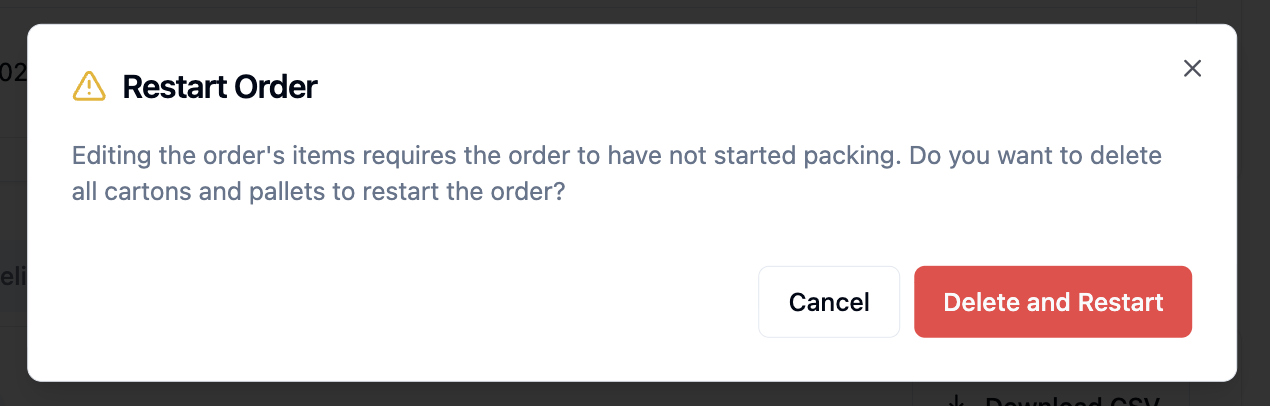
Item edits can be made at any point before an order is "Loaded" status . If the order has already started packing, RetailReady will prompt you to restart it. Click 'Delete and Restart' to delete all cartons and pallets and return the order to a "Not Started" state. Once an order is "Loaded", edits can no longer be made.
How to Edit Items on an Order
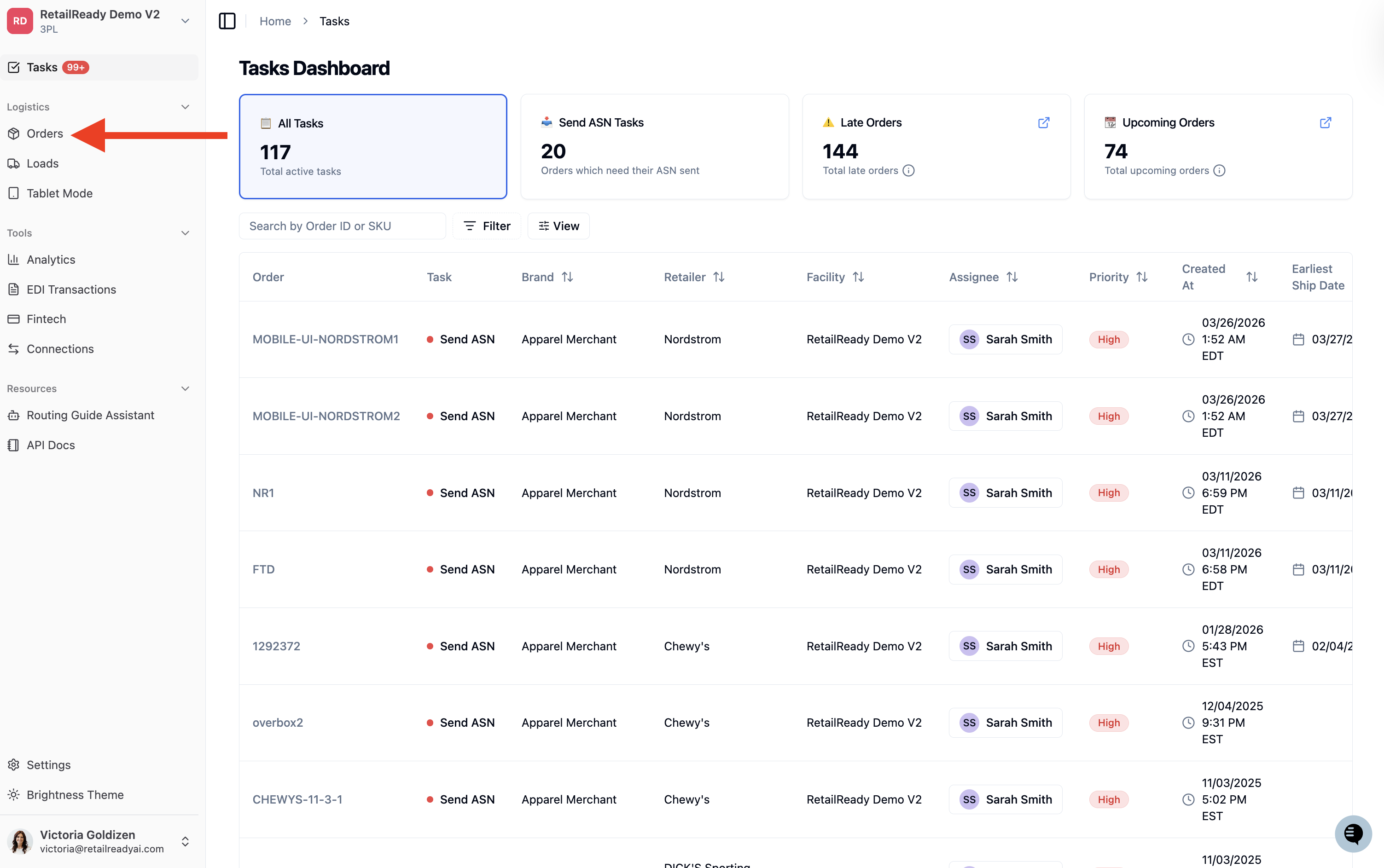
Navigate to the 'Orders' Dashboard from the left-hand sidebar.
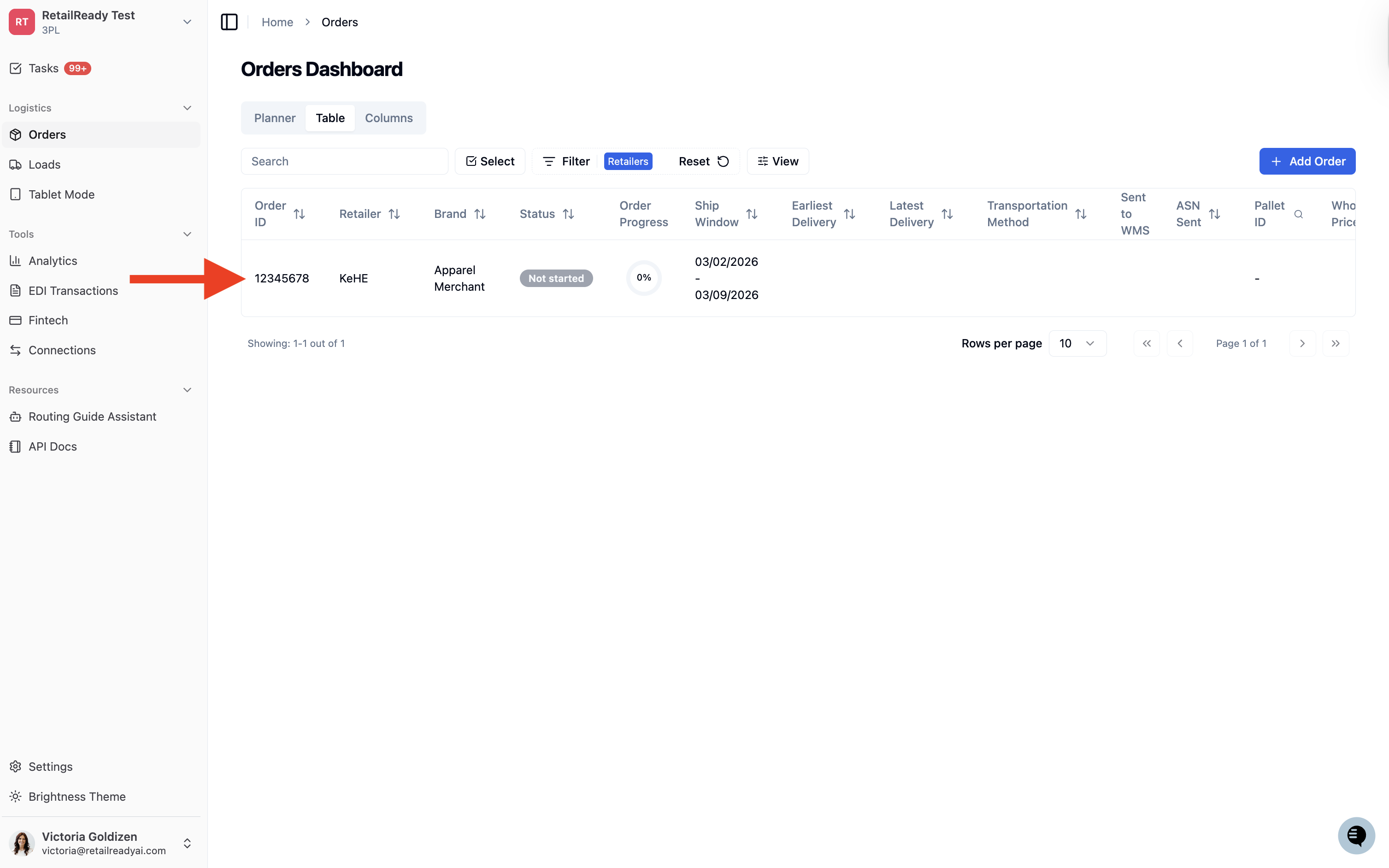
Locate and click into the order you would like to edit from the Orders Dashboard.
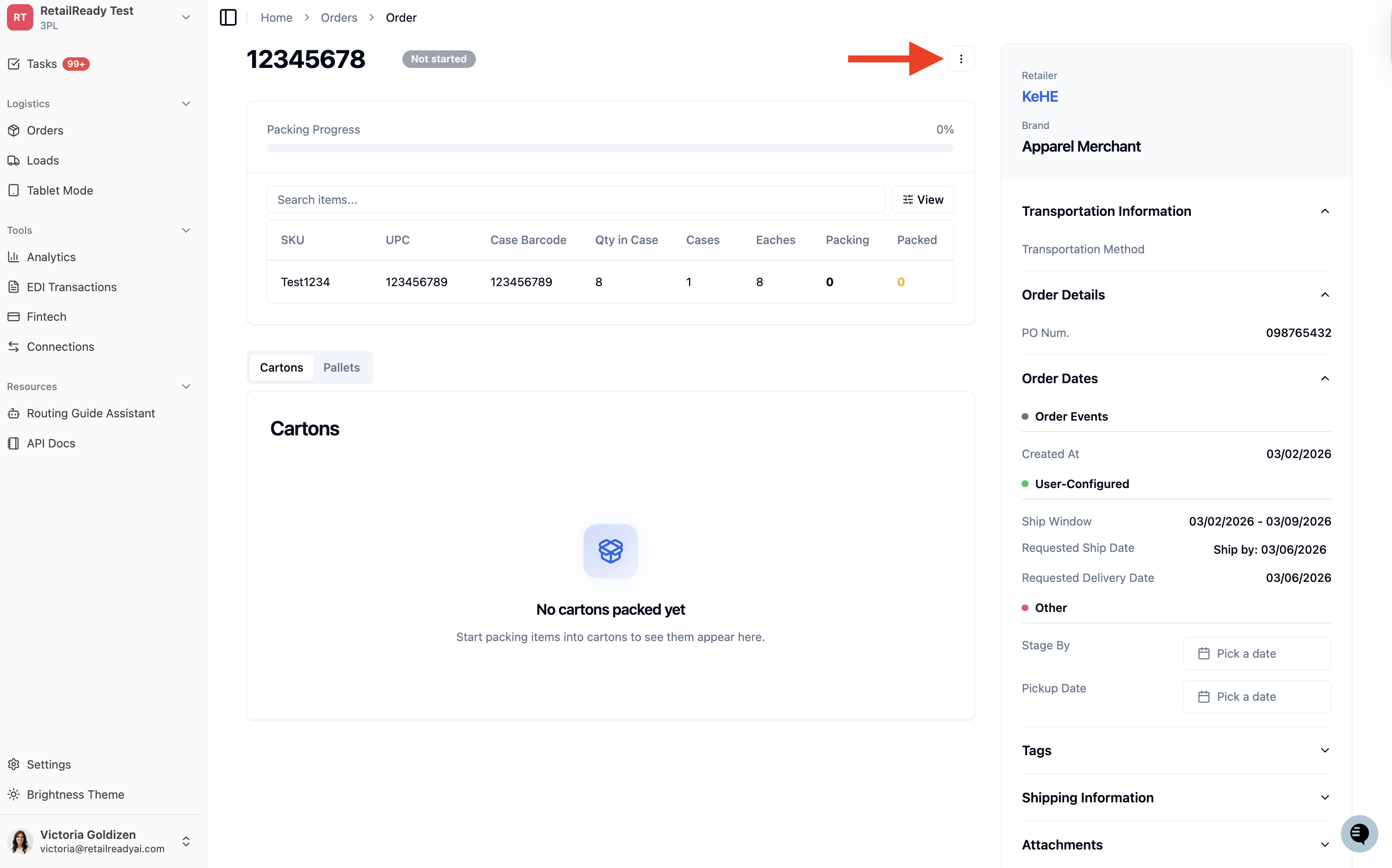
Within the order details, click the '3 dot menu (⋮)'.
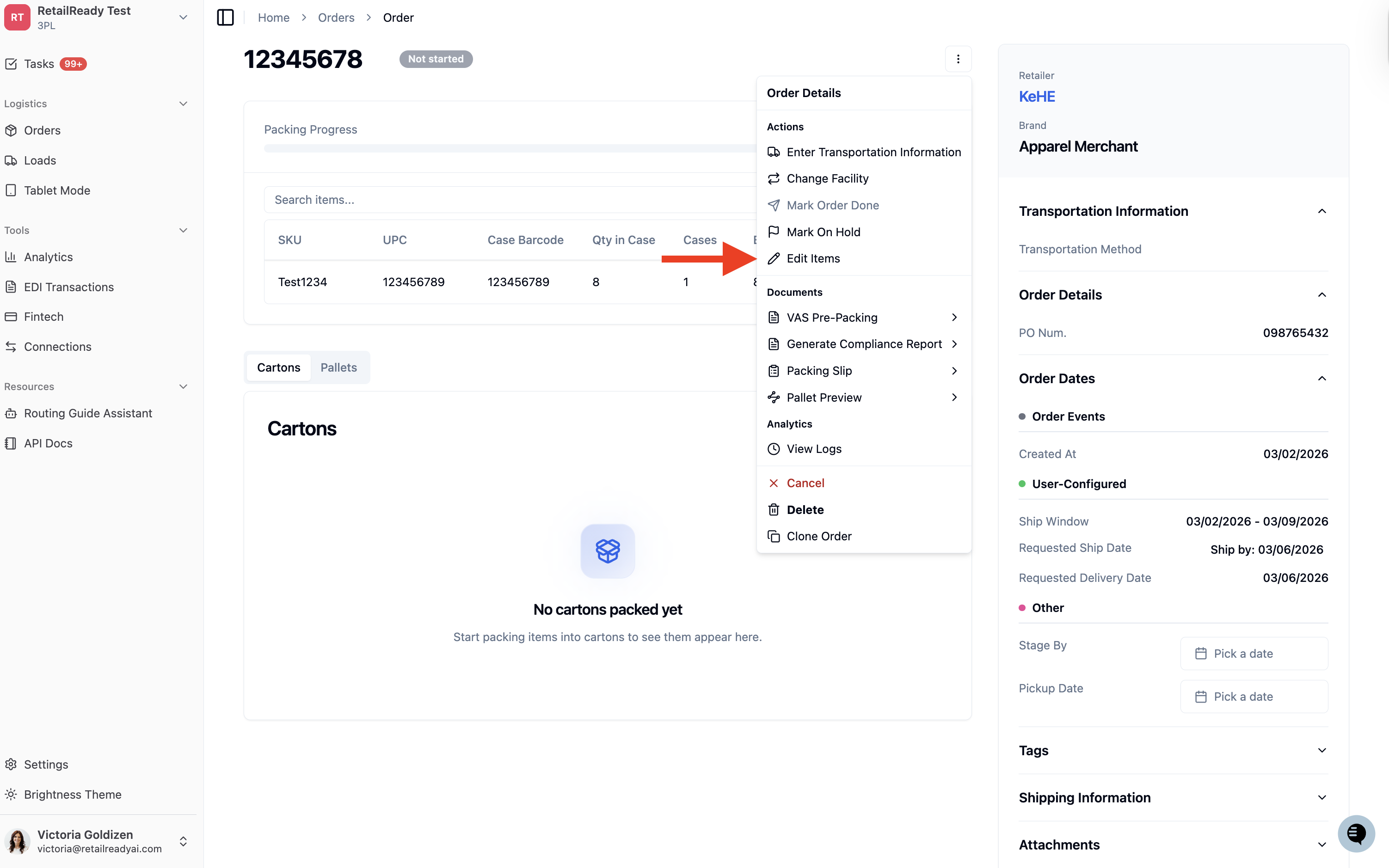
Select 'Edit Items' from the dropdown.
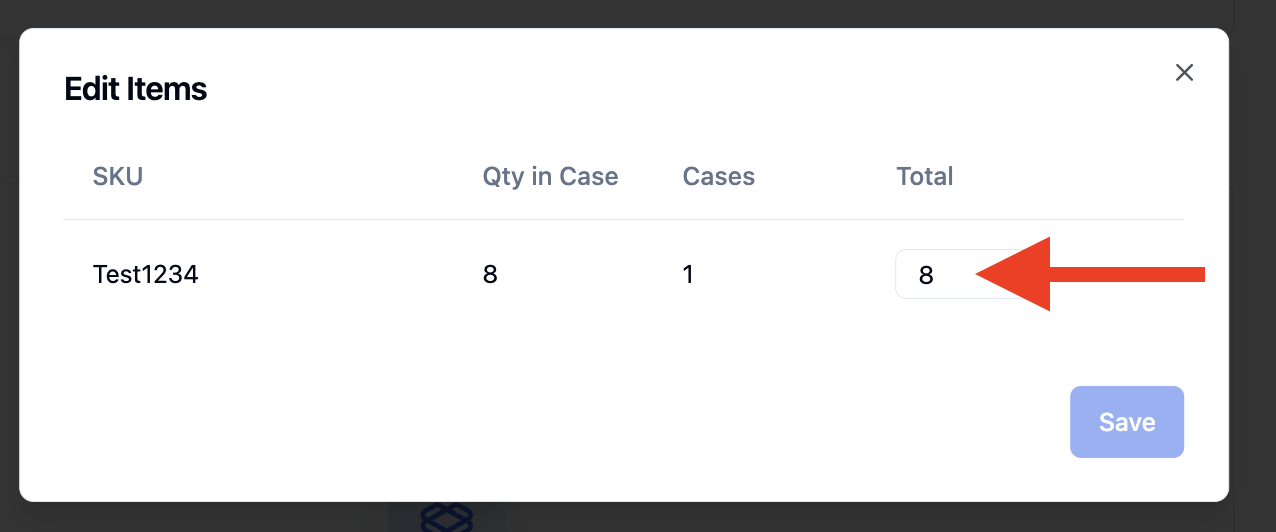
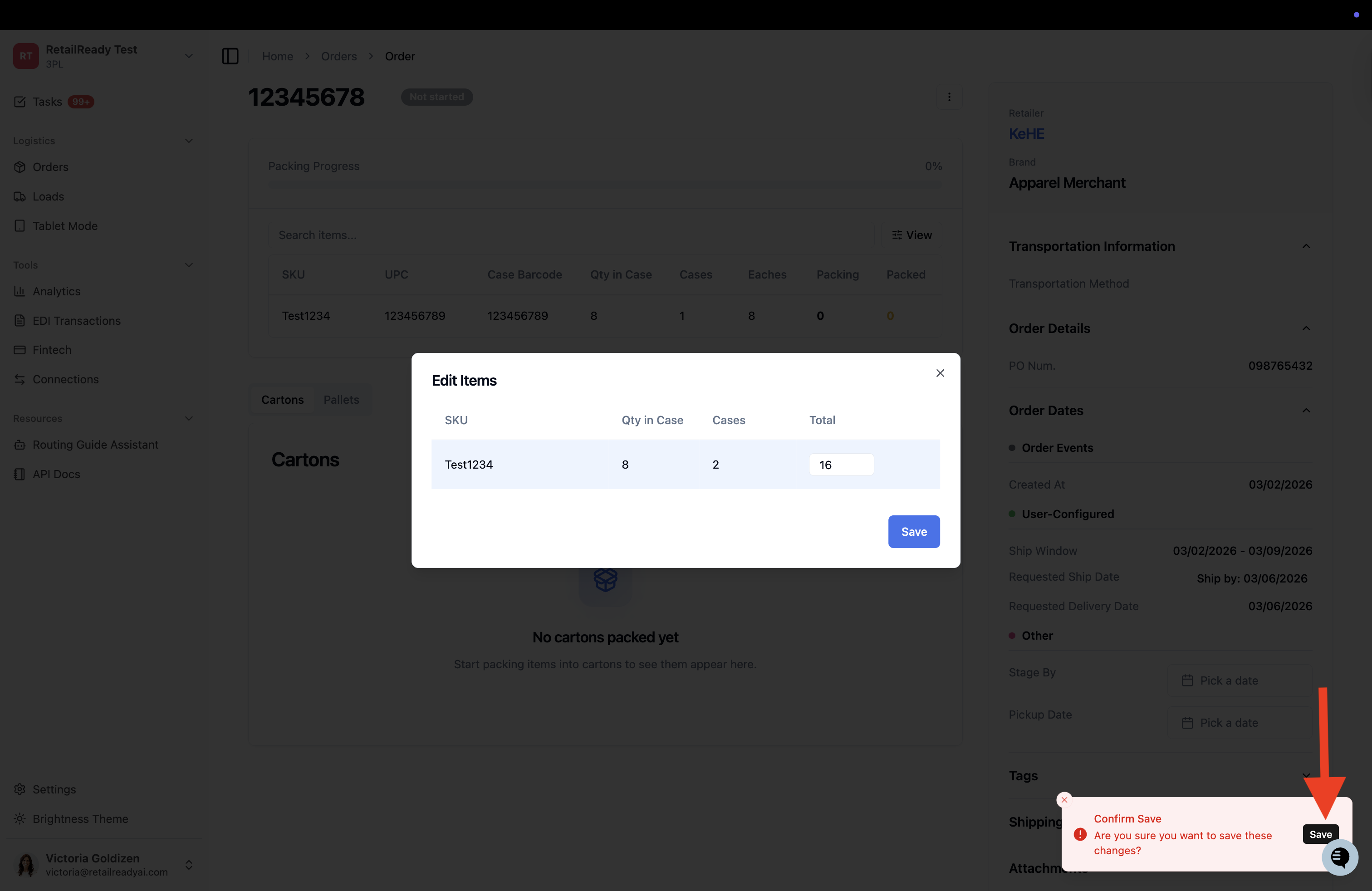
Update the quantity for the item(s) you need to change.
Click 'Save' when you are done editing.
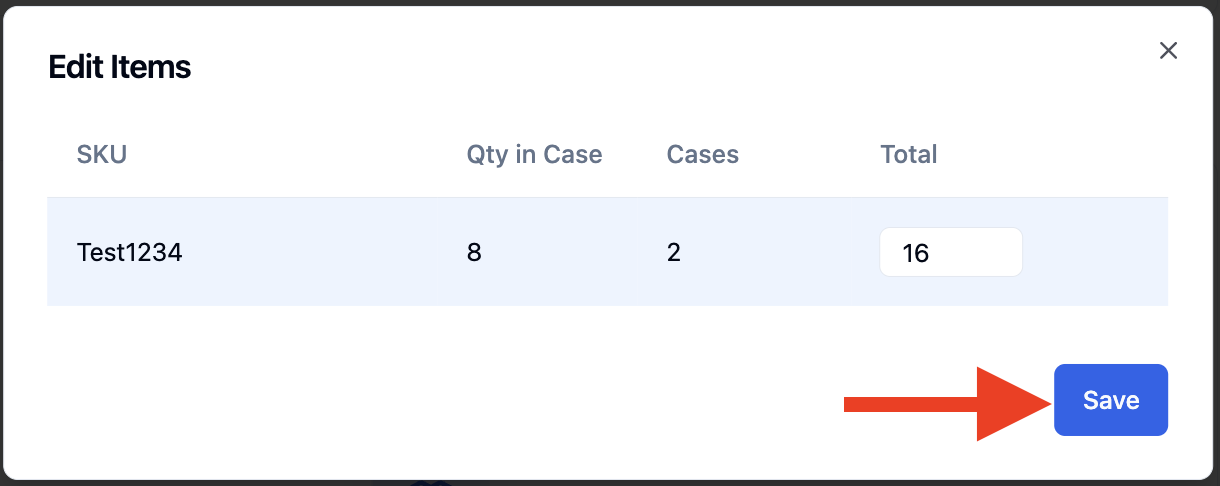
A confirmation pop-up will appear, click 'Save' to confirm your changes.
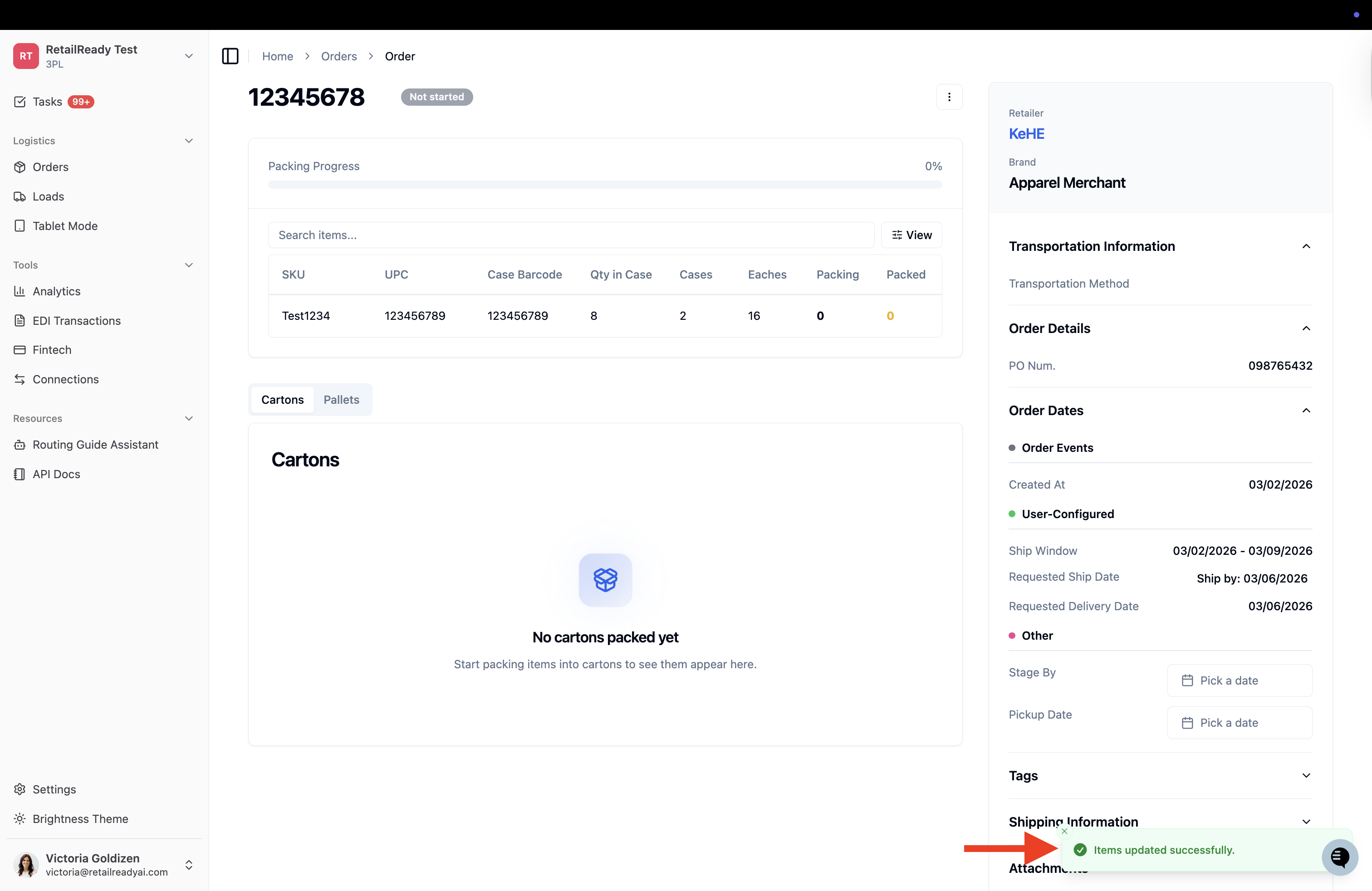
A confirmation message will appear letting you know the items have been successfully updated.