Handling Back Ordering in RetailReady
Last updated: September 18, 2026
RetailReady does not support back ordering within our platform. This article will break down our recommended best practices when inventory is out of stock and will not be available to ship until a later date.
Contacting your buyer
We recommend contacting your buyer to remove those SKUs from that order and place them on an order with later dates.
If this order is an EDI connection, the buyer will issue a new Purchase Order or send a Purchase Order Change to update the existing order and remove the necessary SKUs. No action needs to be taken on the existing order in RetailReady.
For Non EDI-Orders
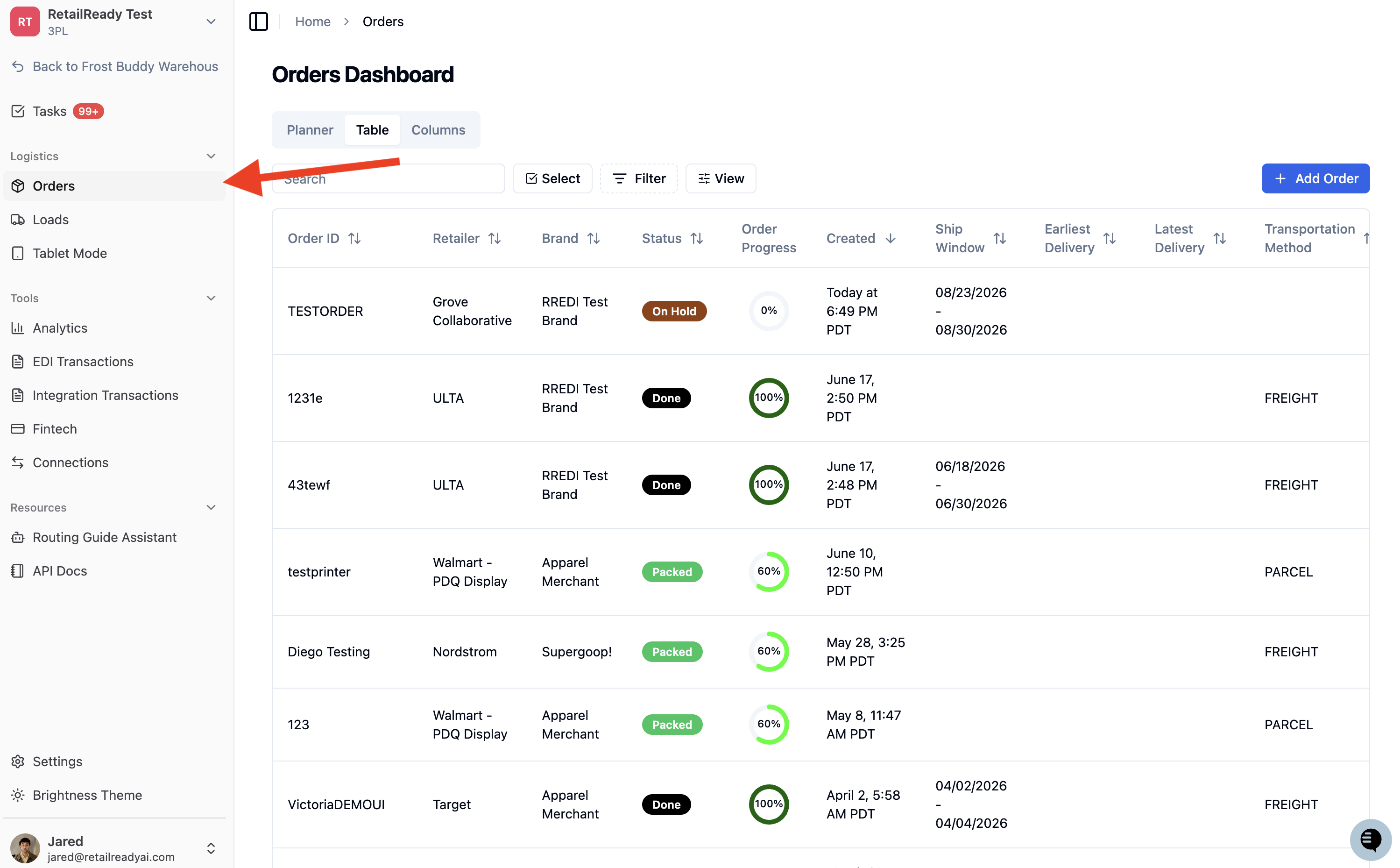
After contacting your buyer, navigate to the order in RetailReady by opening the 'Orders' page.
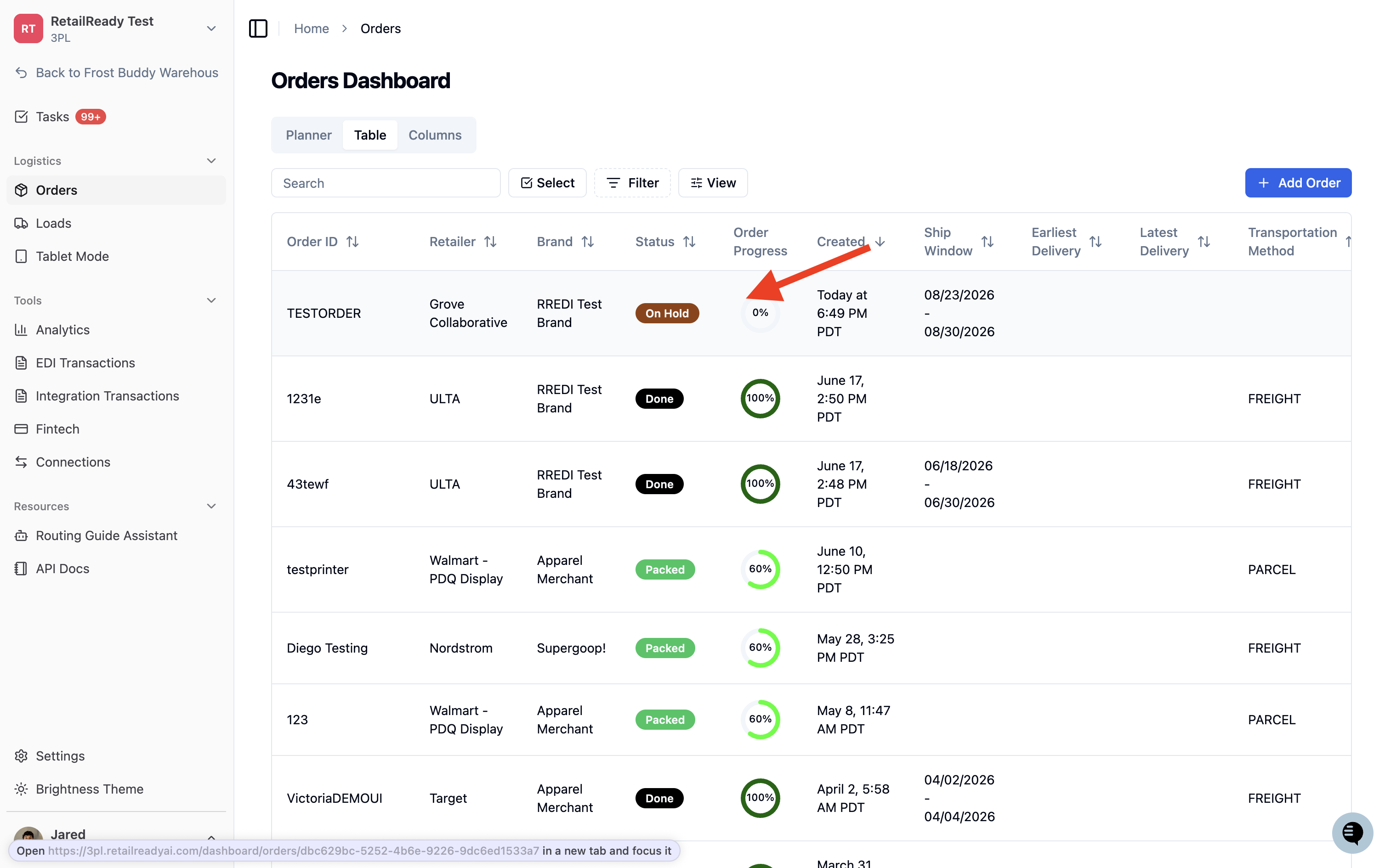
Click on your order.
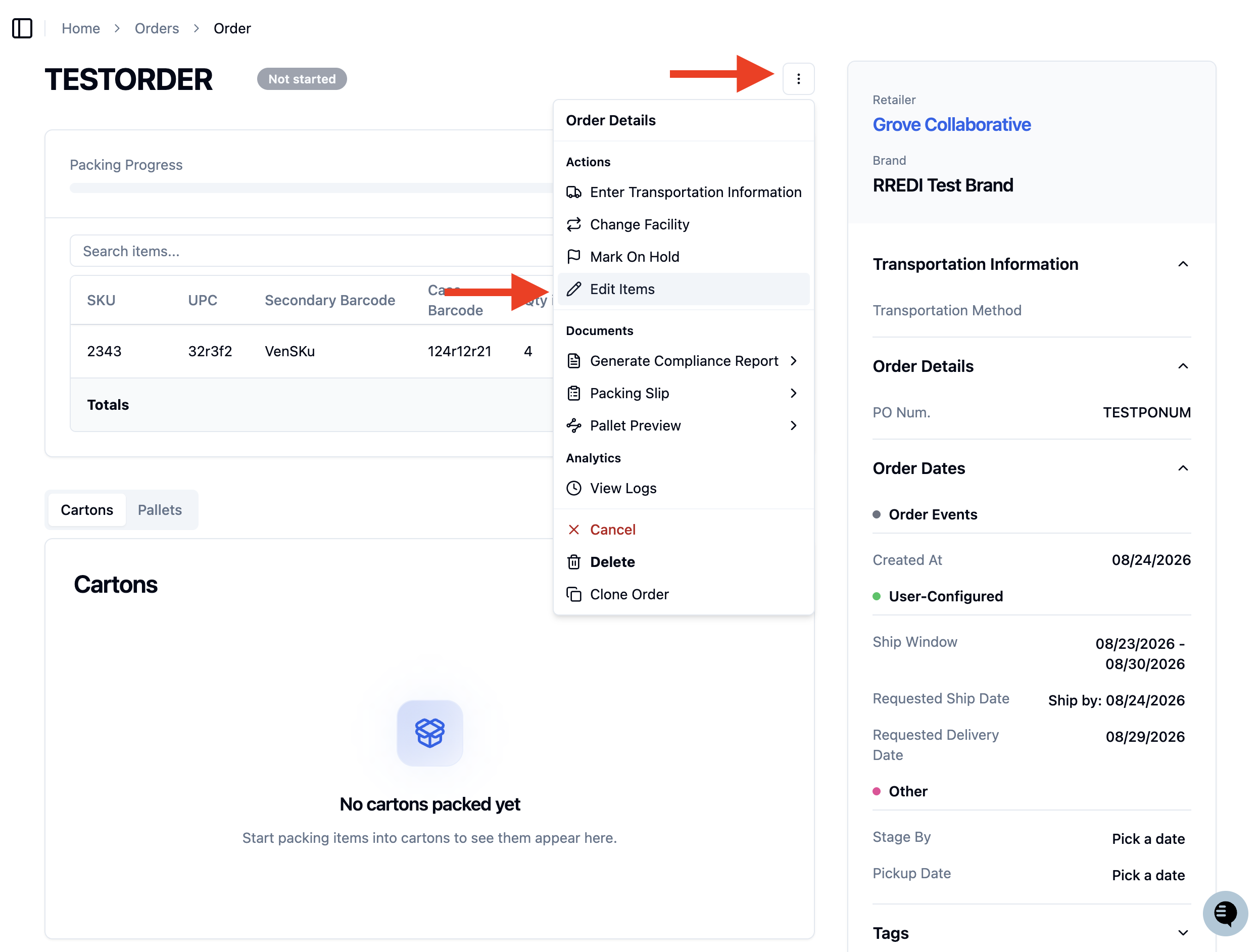
Click the 3 Dots to open the order action menu then click 'Edit Items'.
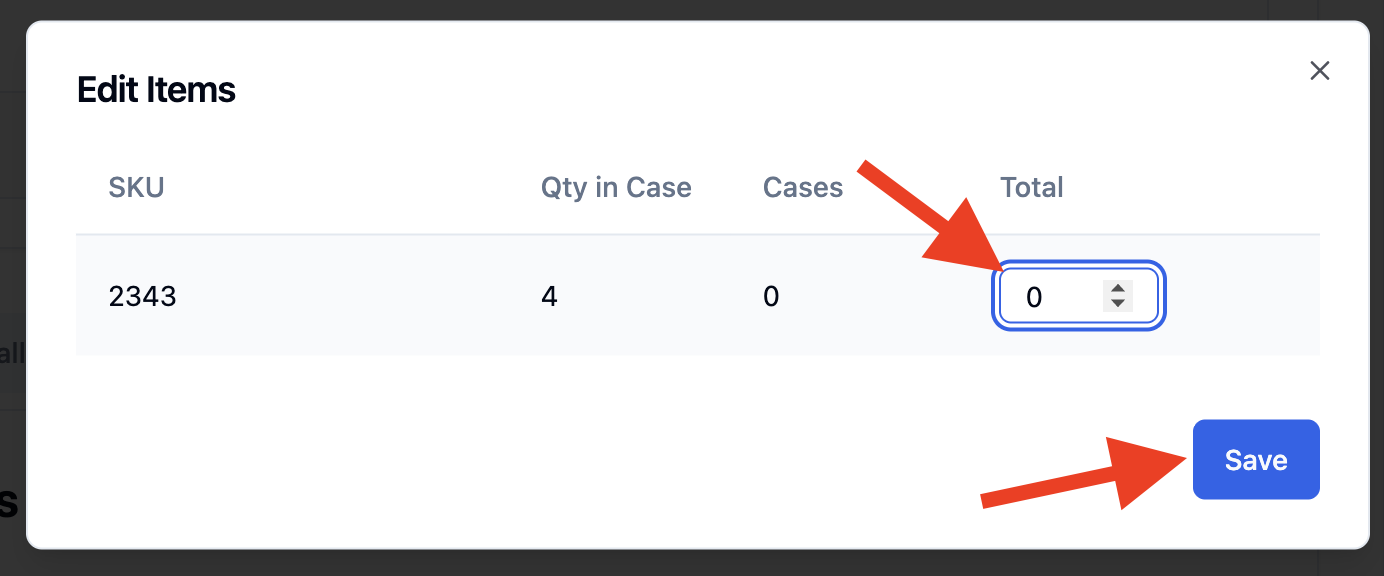
From here you will set the quantity of the cancelled SKU to 0 and save!
FAQs
Can I still edit the items if the order has been started?
Yes, you can still edit the items on the order but it will require the order to be restarted. This will move the order back to "Not Started" status.