846 Inventory Upload
Last updated: July 26, 2026
Brand Inventory Upload (846 Documents)
Brand admin users can now upload inventory reports (846 documents) directly to share current stock levels with your retail partners.
Who Can Use This Feature
This feature is available to 3PL and brand admin users whose brands have EDI 846 inventory reporting enabled with at least one retail partner.
Requirements
Admin user role
At least one retail partner with 846 inventory reporting enabled
Previous order documents (850s) must have been processed to establish the document format
How to Upload Brand Inventory
Log in to RetailReady.
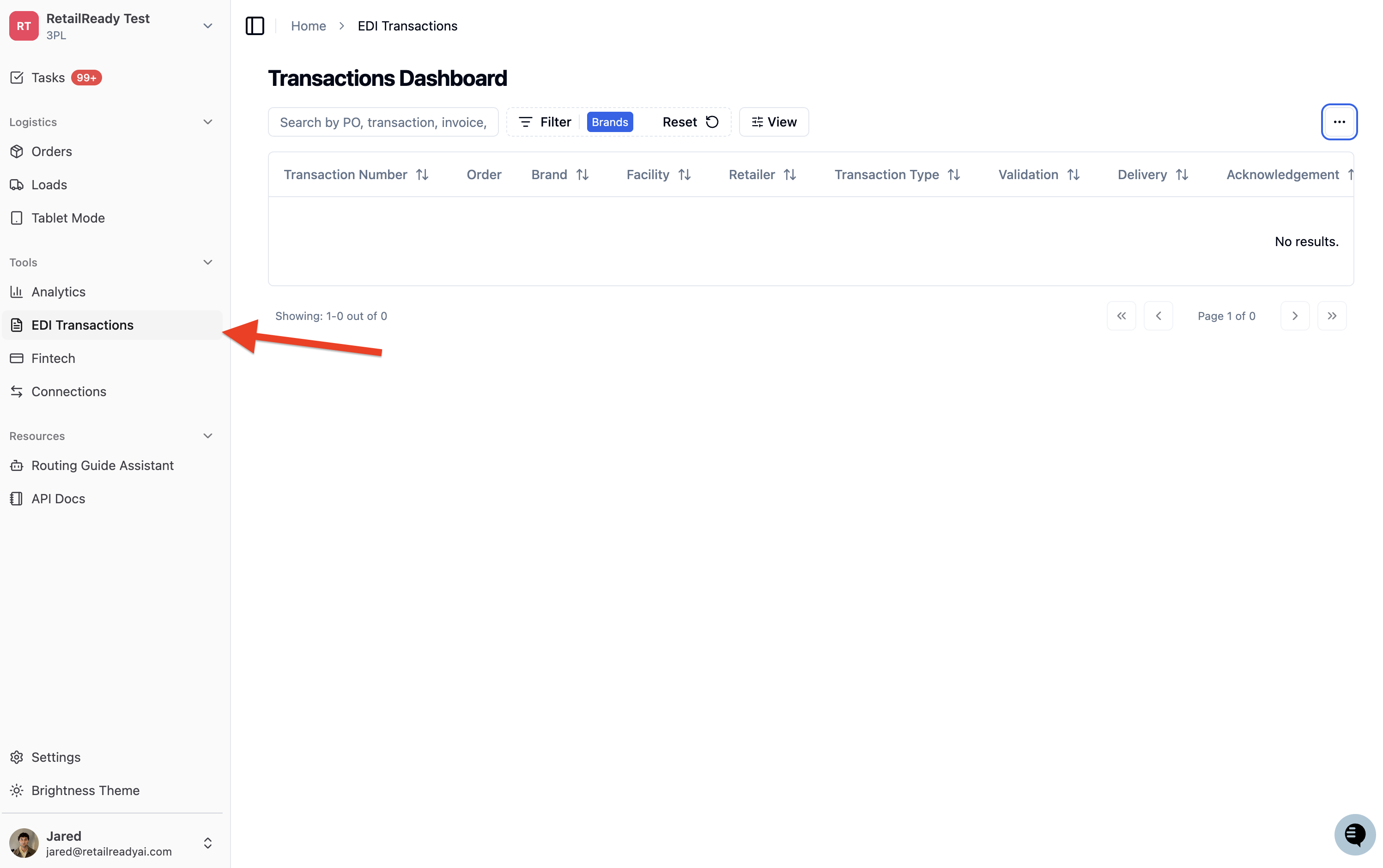
Click the 'EDI Transactions' option in the left column
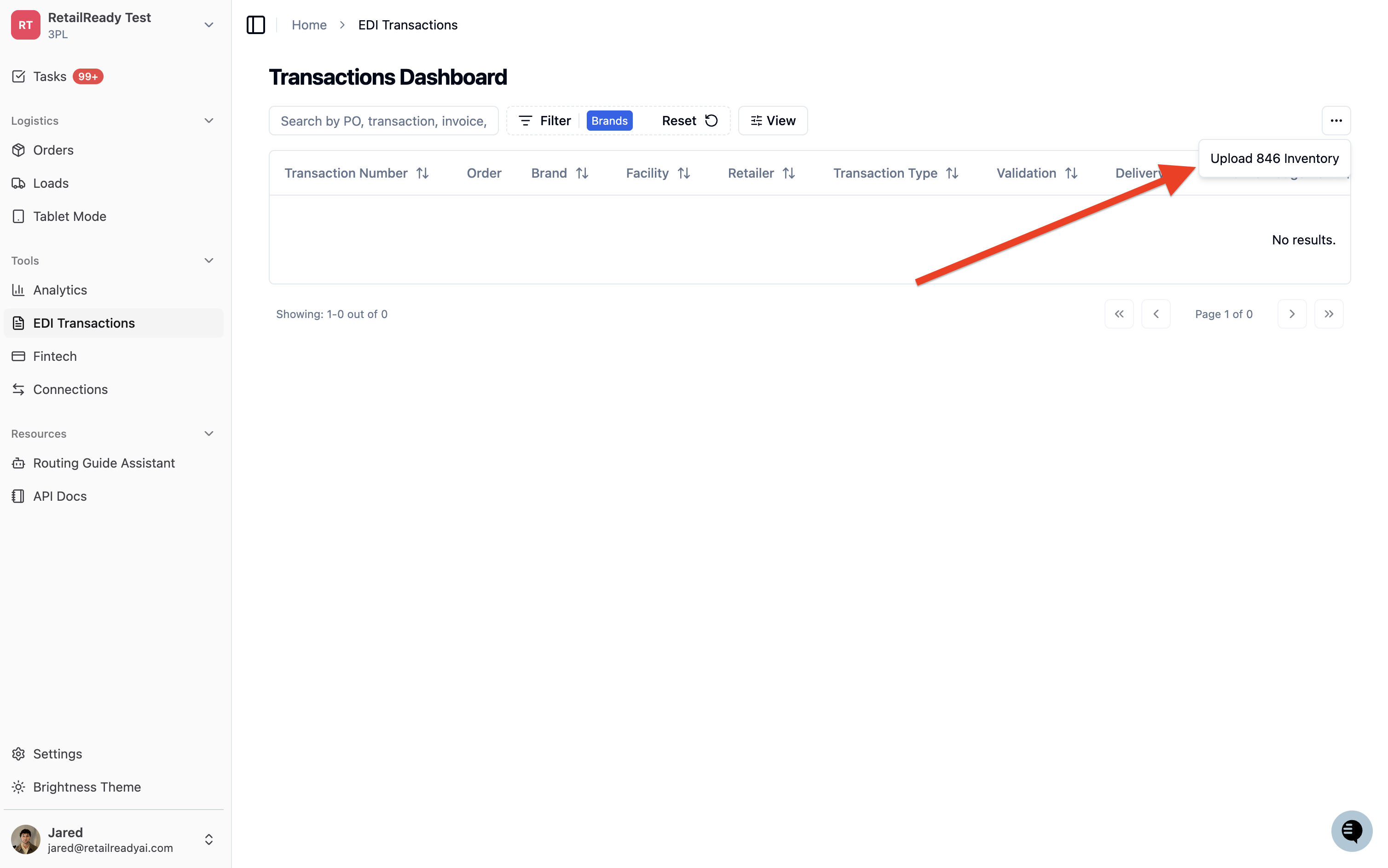
Select 'Upload 846 Inventory' from the menu
Fill in the SKU and Quantity data with your current inventory levels to be reported.
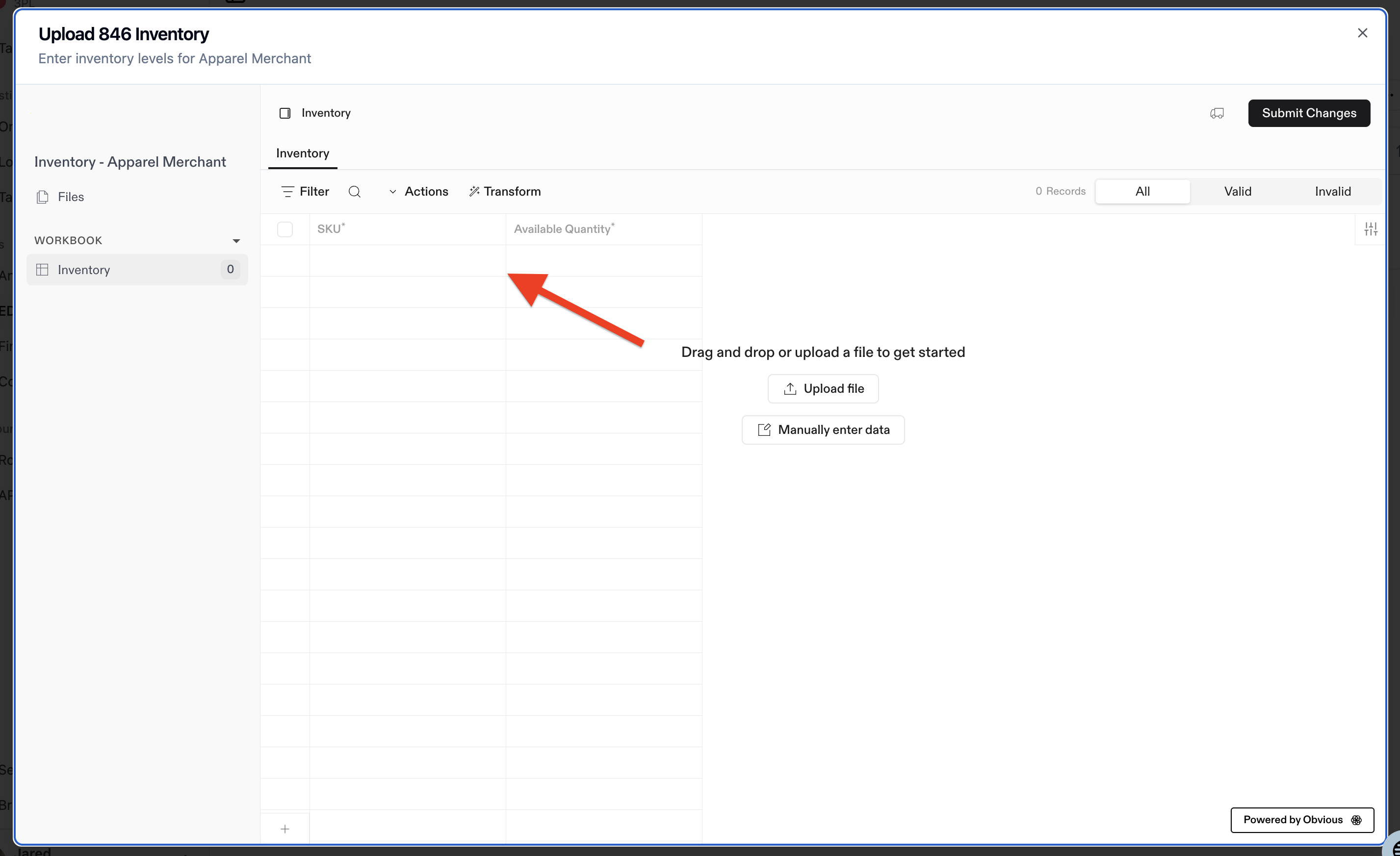
Click 'Submit Changes'
Using the API
Technical users can also upload inventory documents programmatically using our API endpoint. Contact your technical team or refer to our API documentation for details.
What Happens When You Upload
When you upload a brand inventory report:
The system processes your inventory data
Inventory reports are automatically generated and sent to all connected retail partners
You'll see confirmation that the documents were transmitted successfully
FAQs
Why don't I see the '846 Inventory Upload' option?
If you don't see the EDI Transactions button, you may not have 846 inventory reporting enabled with any retail partners.